One portrait. A whole new character.
Go from a photograph to a painted portrait or an anime character. Choose the look, and tell AI which features to keep.
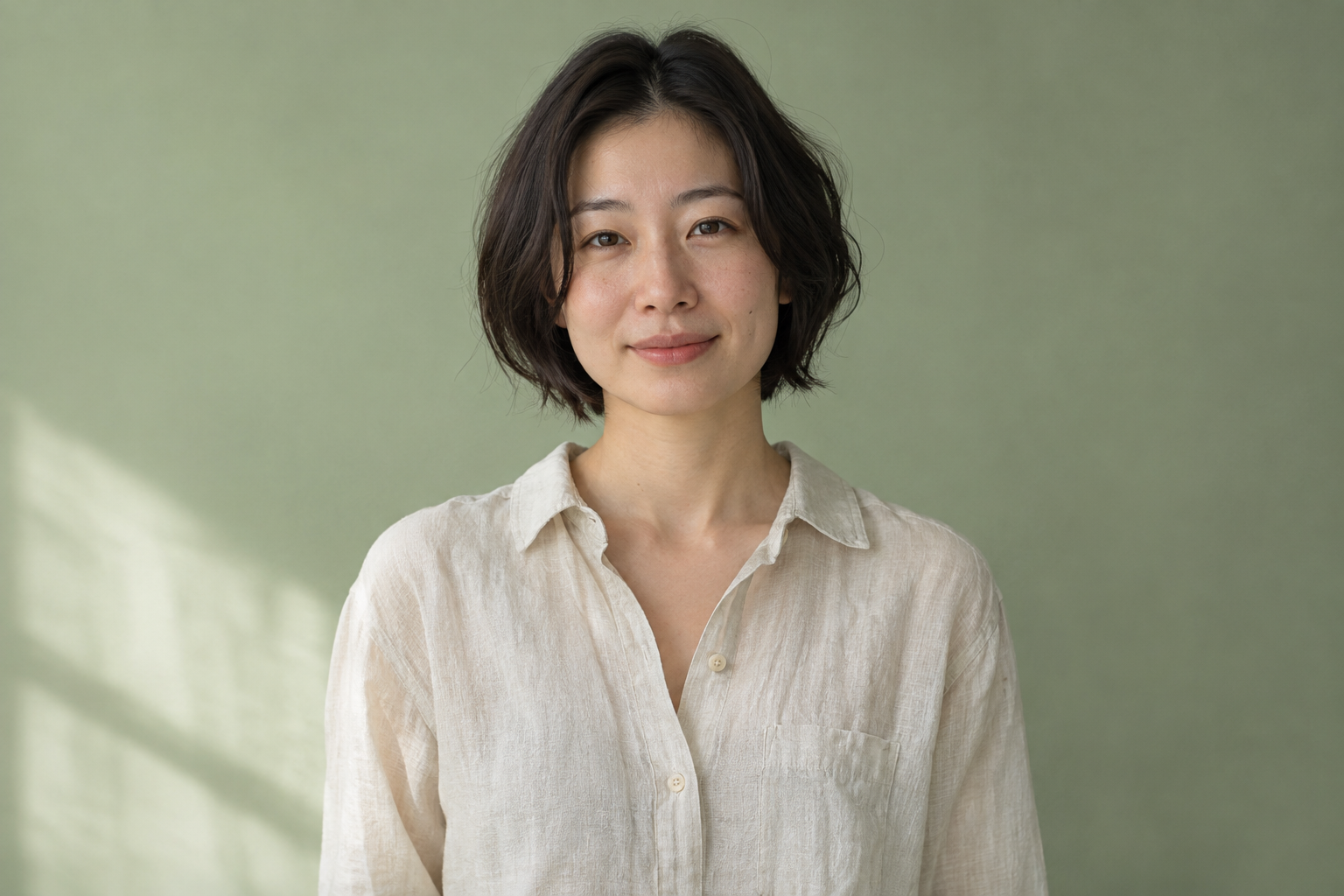
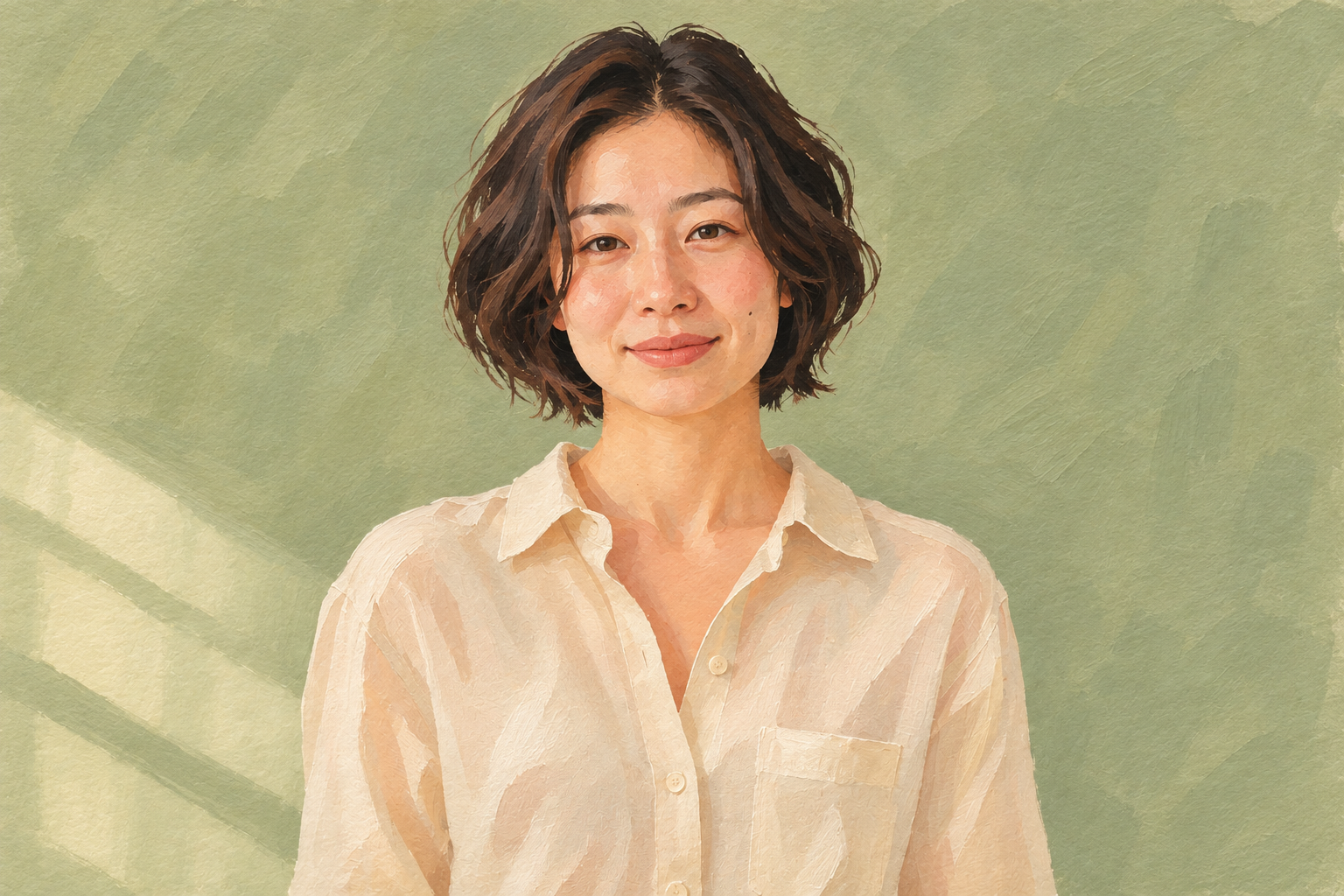
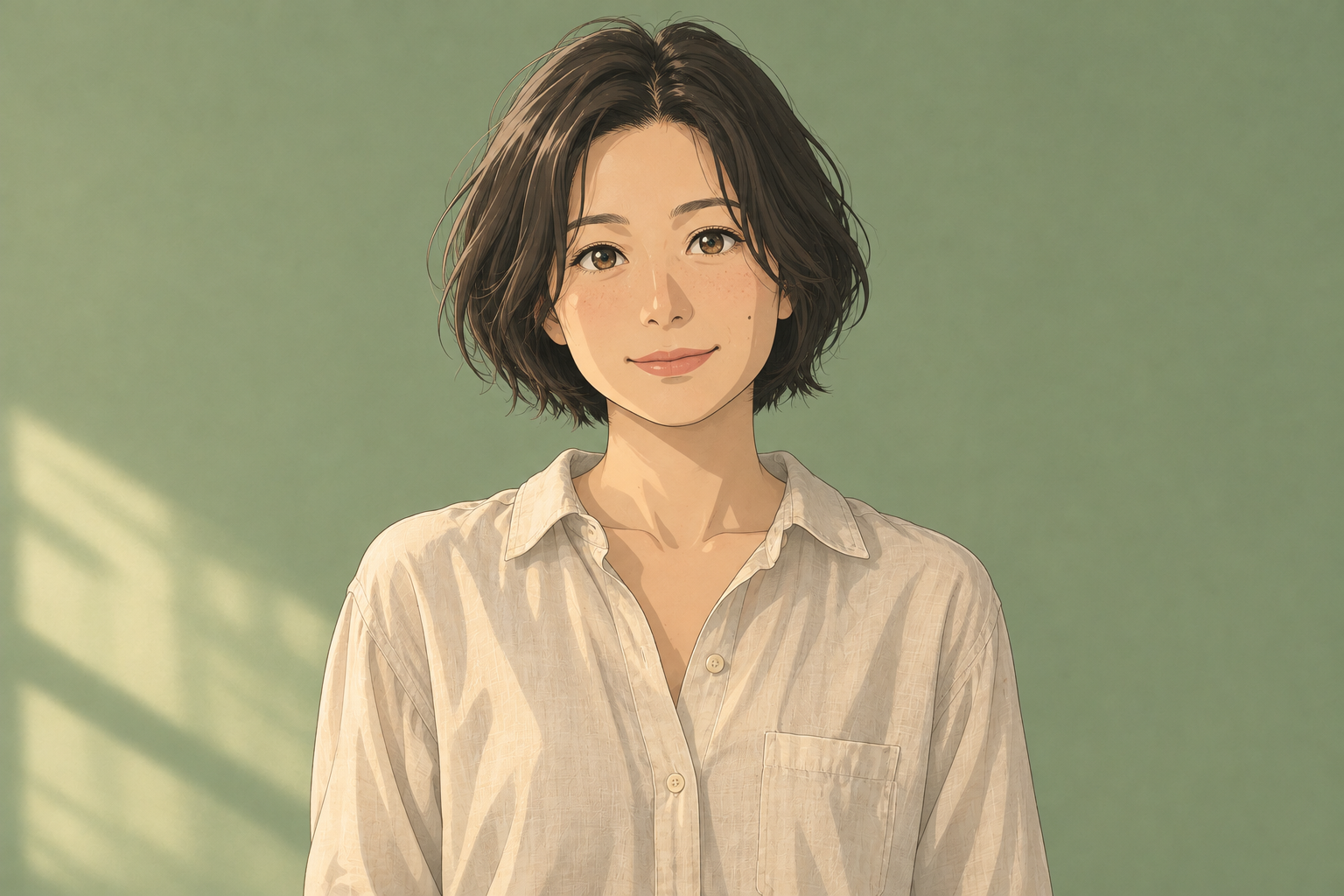
Your image, reimagined. Upload a photo and change its style, scene, or details with a few words.
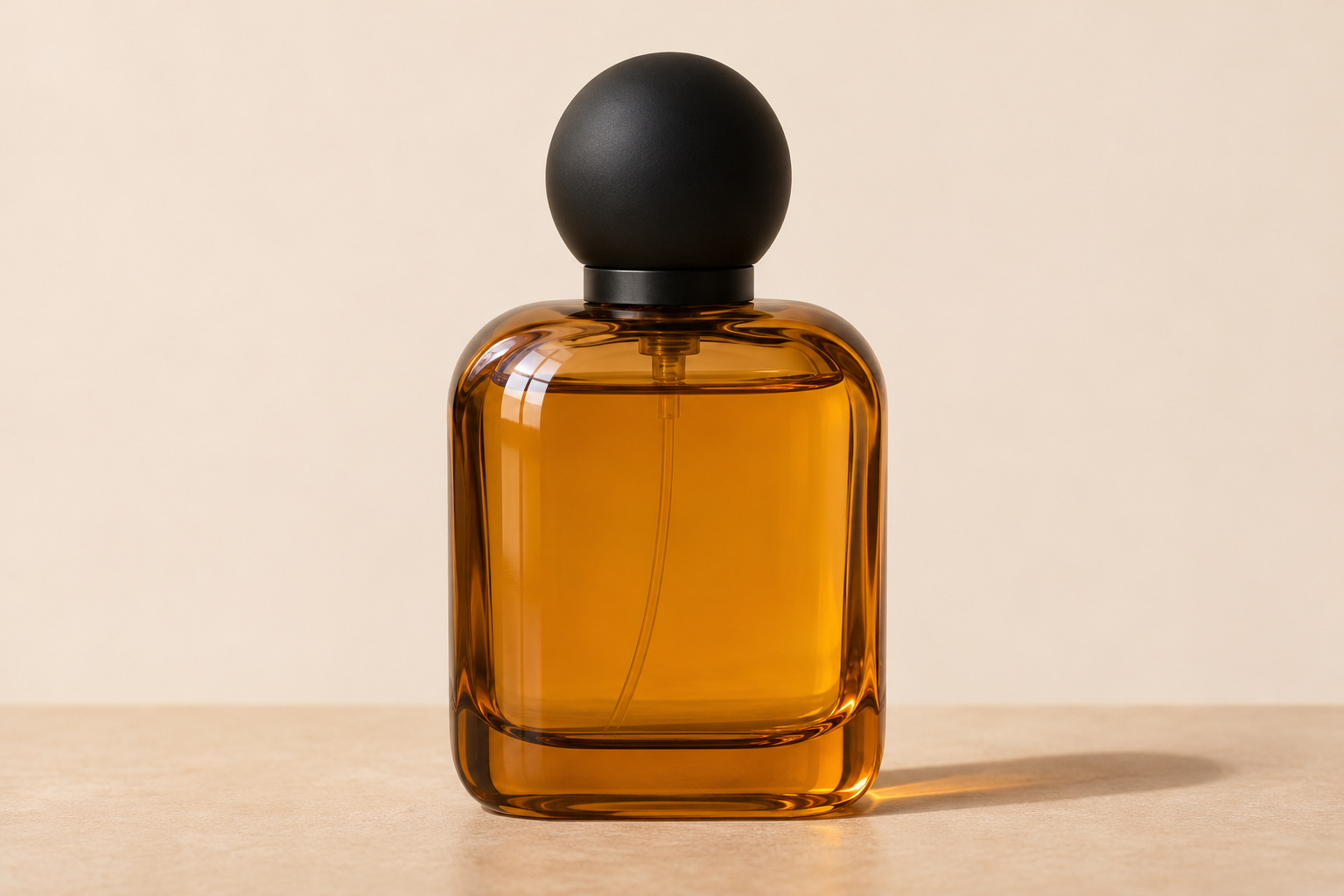
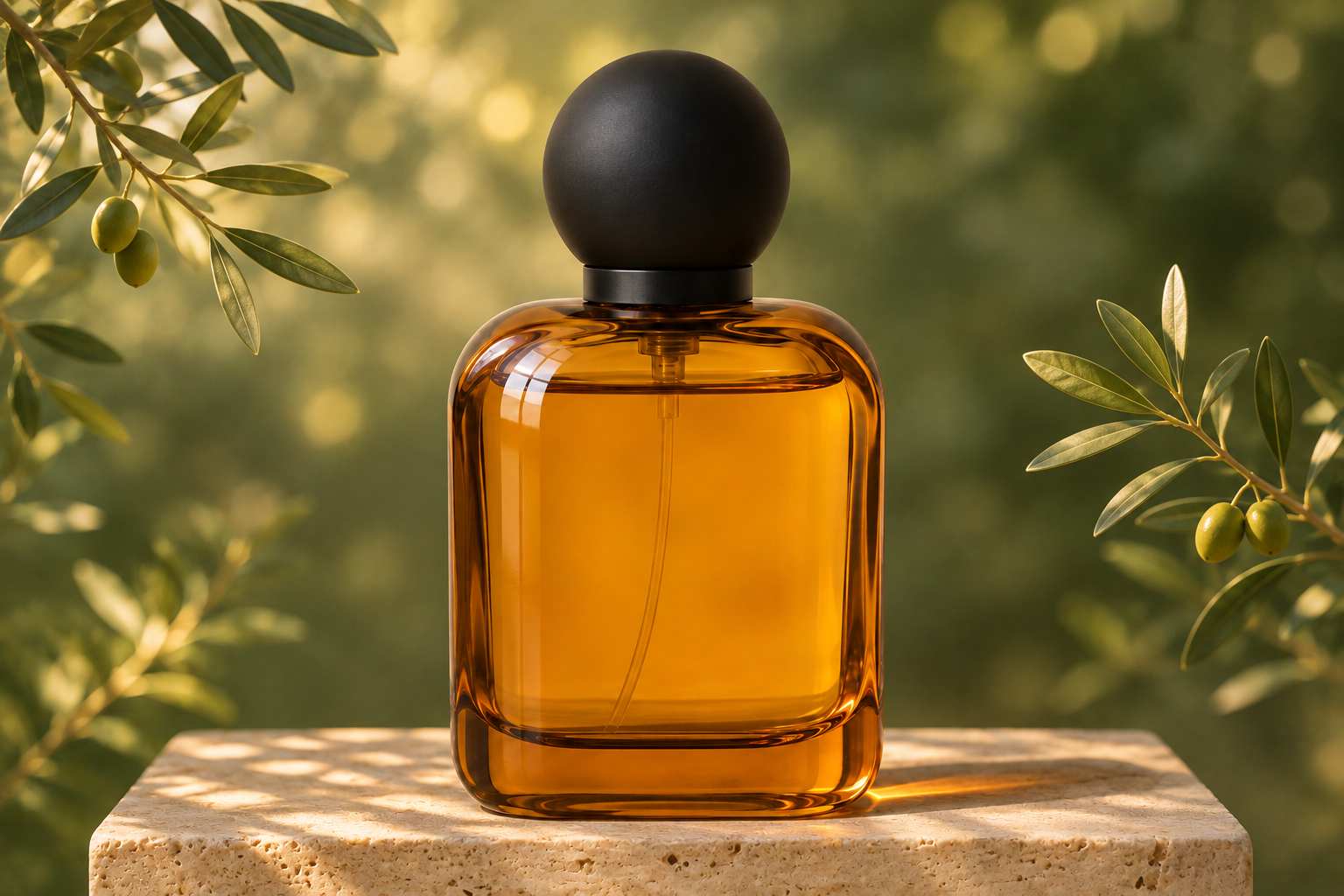
A different style. A new setting. The same starting point.
Go from a photograph to a painted portrait or an anime character. Choose the look, and tell AI which features to keep.
Swap a plain backdrop for natural light, textured surfaces, or a completely new setting. Direct the scene with a few words.
Try new furniture, materials, and lighting in your own space. Slide across to see how an empty room can change.
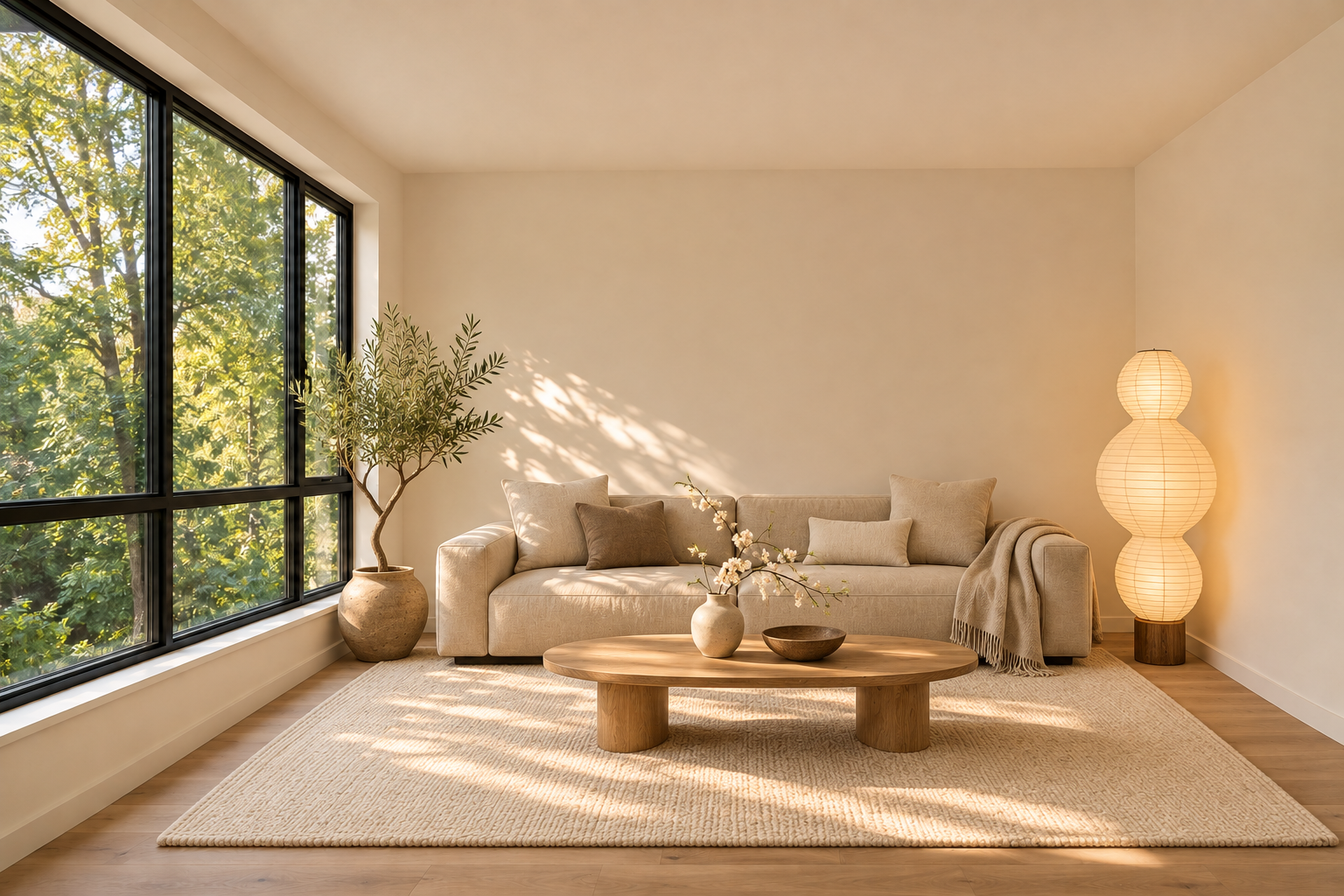
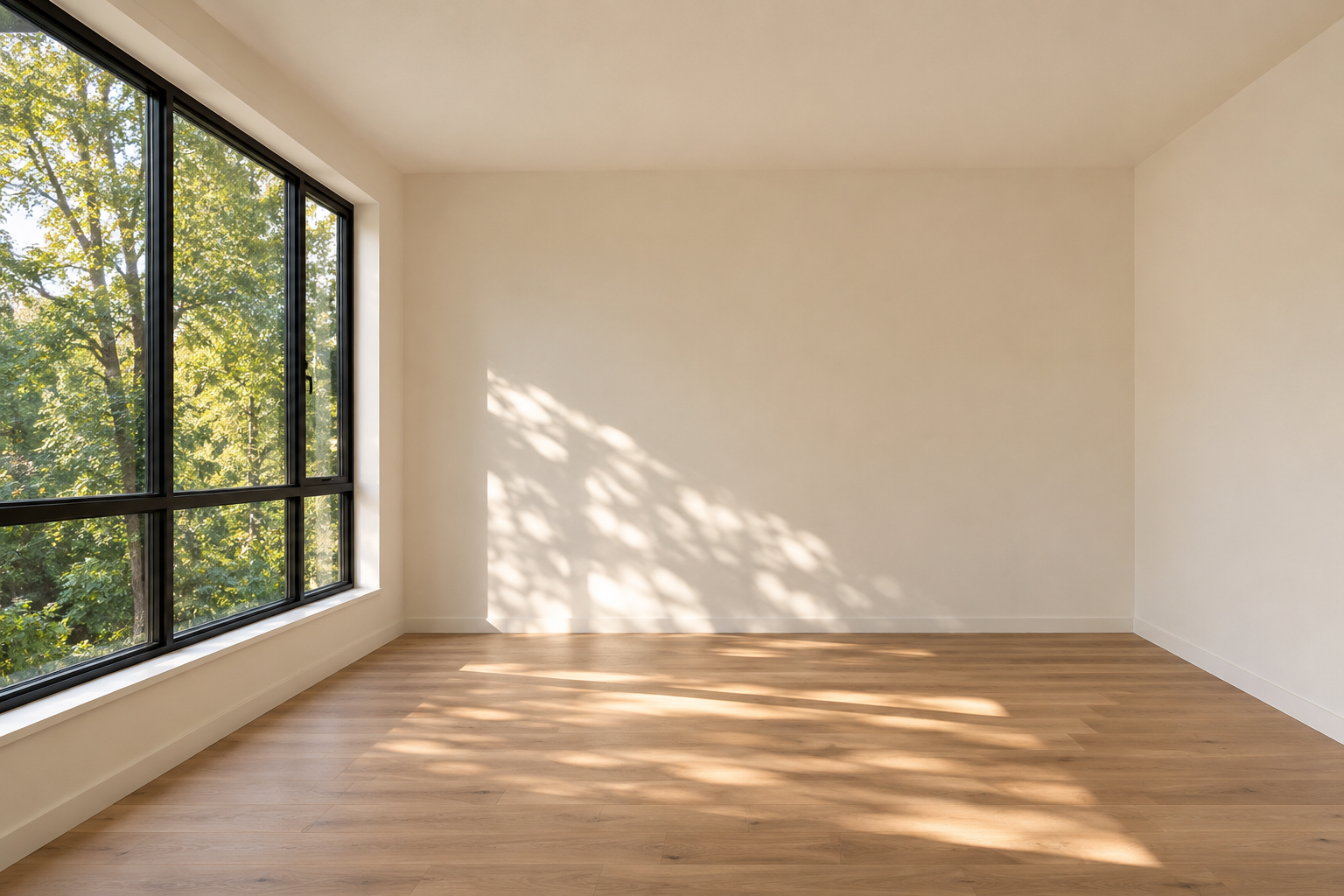 OriginalEdited
Find an idea you like. Select an image to try its photo and prompt.
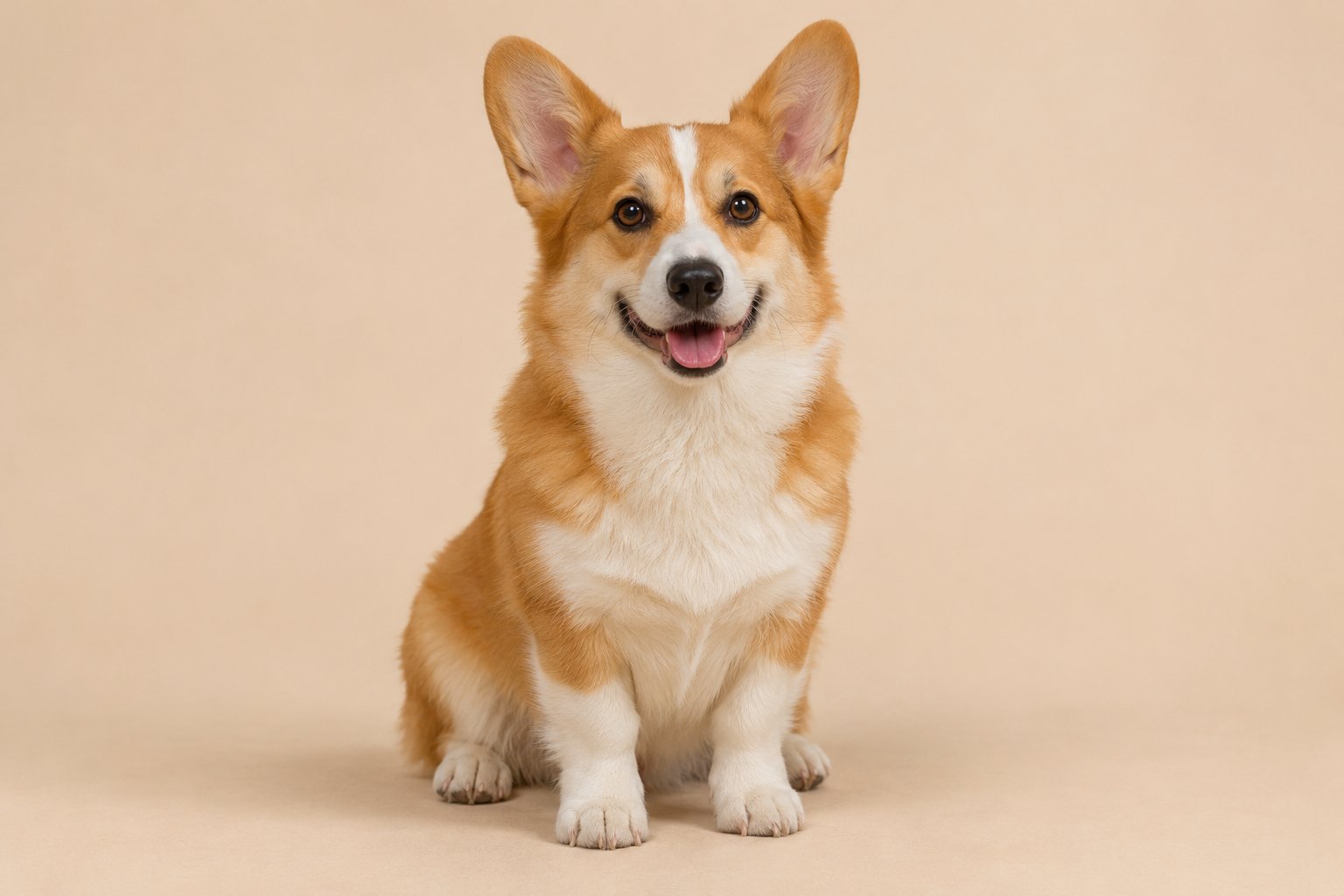
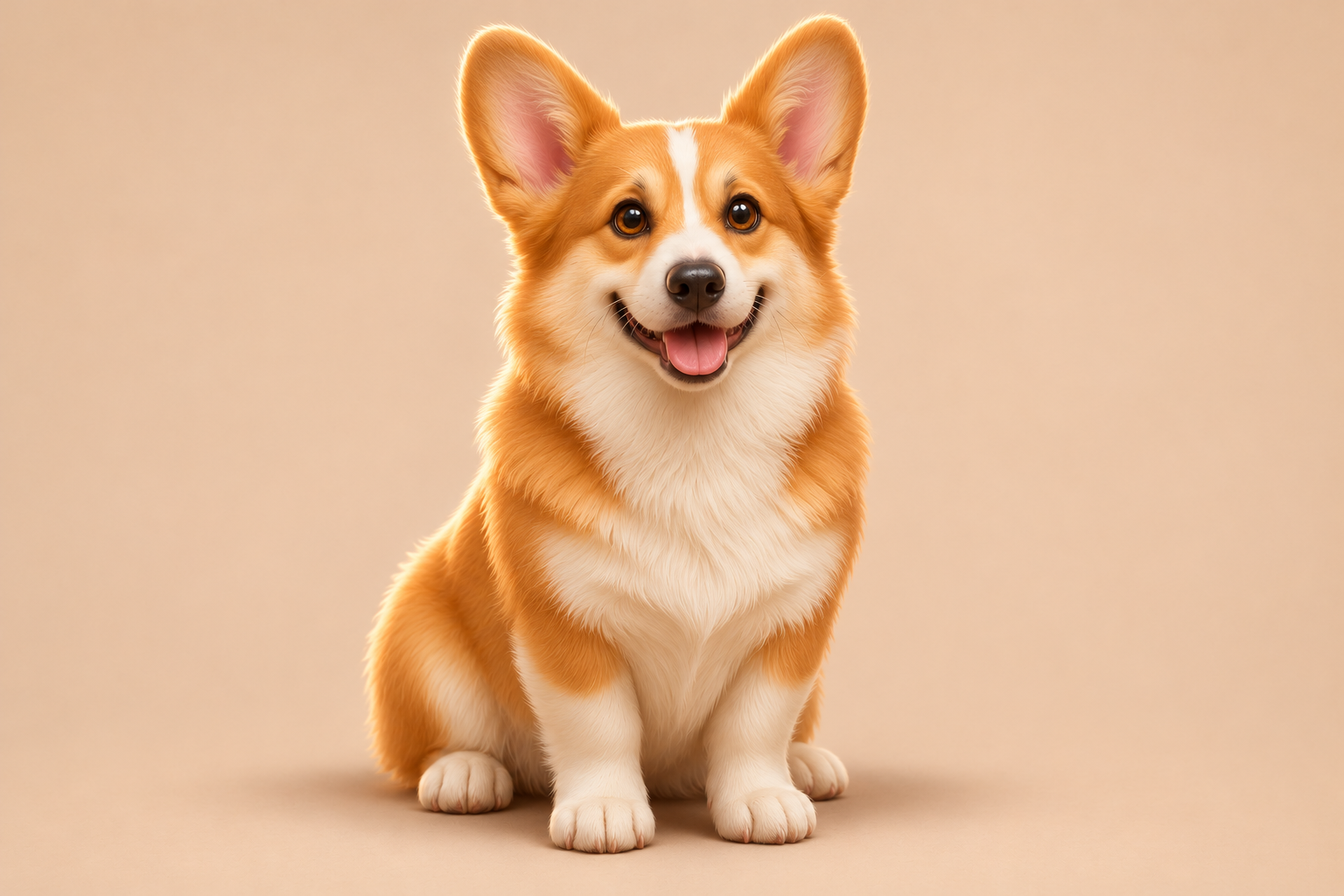
Turn this corgi into a charming 3D animated character with rounded forms, soft stylized fur and expressive brown eyes. Preserve its red-and-white markings, upright ears, happy expression, seated pose and beige background.
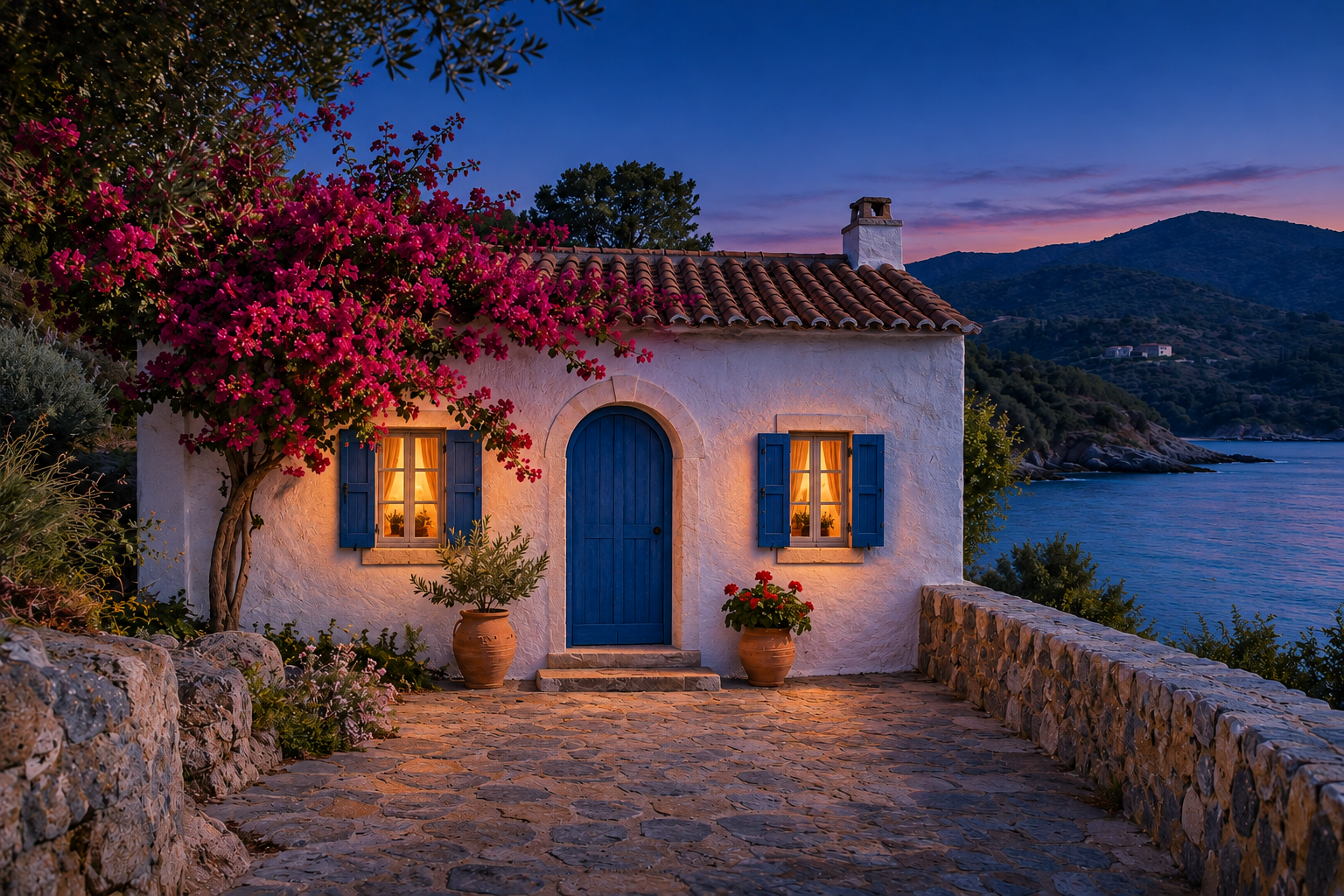
Change this coastal scene to blue hour with an indigo sky, cool twilight and warm light glowing through the existing windows. Preserve the house, plants, stone path, coastline and camera angle.
Turn this interior sketch into a photorealistic Japandi room with a linen sofa, oak table, cream rug and warm afternoon sunlight. Preserve the architecture, perspective, furniture shapes and object positions.
Replace the ivory shirt with a tailored navy blazer over an ivory knit top. Keep the face, hair, expression, body proportions, pose, background and lighting unchanged.
Remove scratches, dust, creases and fading from this photograph, then add natural skin tones, brown hair, a muted blue dress and a green garden. Preserve the person's identity, age, expression, hands, clothing details and composition.
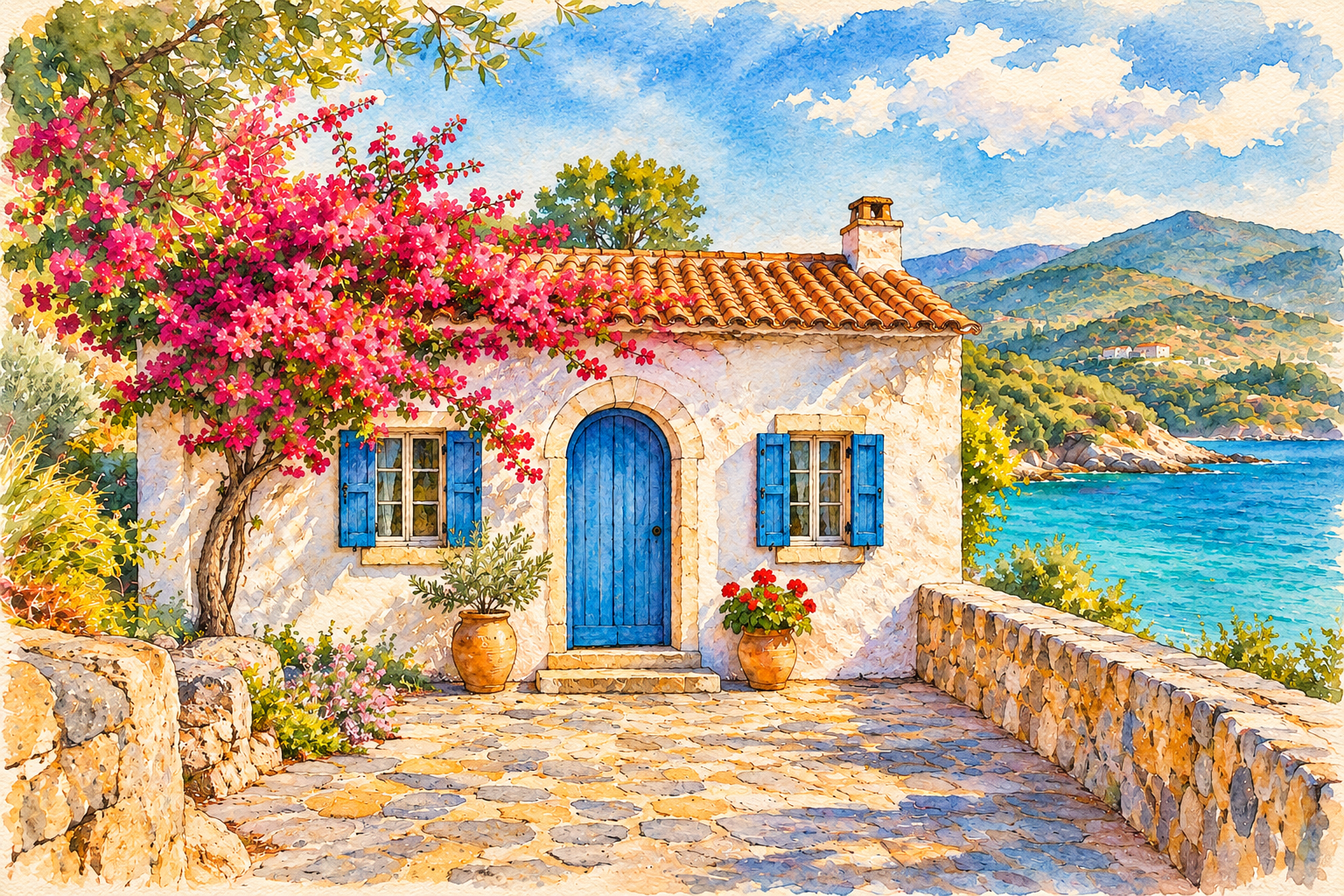
Turn this image into a watercolor illustration on textured paper. Preserve the subject, layout, and recognizable details. Use soft translucent washes and delicate ink lines.
Illustrative example. Results vary.
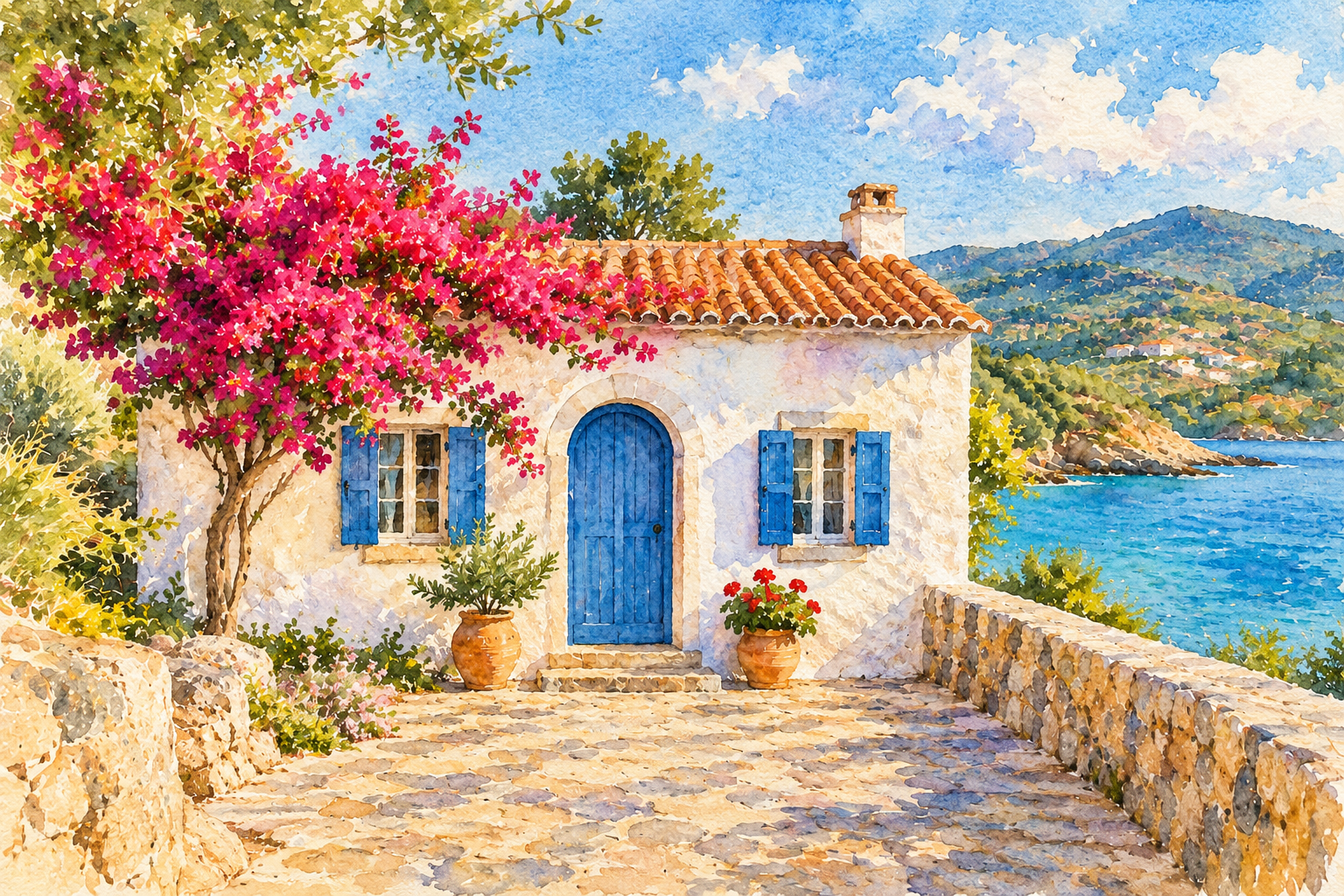
This watercolor is an actual output from our editor. Bring your own photo and see where your words take it.
Try your own imageStart with a photo, a sketch, or a product shot. JPG, PNG or WebP, up to 10 MB.
Describe what to change and what to keep. Choose an edit above to start with an example prompt.
Check the result against your original. Save it, or adjust your prompt and try another direction.
Image-to-image AI creates a new image using an existing picture and your written instructions. Unlike text-to-image generation, it has a visual reference to help guide the subject, composition, and details.
Signed-in accounts receive a daily free allowance, shown beside the Generate button. It resets at midnight UTC. After the free allowance, each generation uses one credit. Confirmed failures restore the allowance or credit used.
Be specific about what should stay: the person’s features, the product shape, or the camera angle. Then describe only the changes you want. AI can still alter details, so review your result before using it.
Choose one JPG, PNG, or WebP image up to 10 MB. Upload only images you own or have permission to edit. Your image is sent for processing when you generate, not when you select it.
Each generation creates one image to compare and download. Dimensions and processing time depend on the image service and your edit. Keep the result saved on your device; this editor does not offer a permanent image library.
The watercolor marked “Created with this tool” is a completed output from our editor. The other comparisons are illustrative examples made separately to show editing ideas. They are not guaranteed previews of your result.