
Image to GIF: One Still Image, a Two-Second Loop
Turn a still into a reaction, a greeting or a product moment. Pick an example below, or bring your own image.
2-second loops · No added watermark
One image. Nine starting points.
Made with this tool, from AI-generated images. Original sources, full prompts, PNG and GIF downloads included.
Examples shown: 9
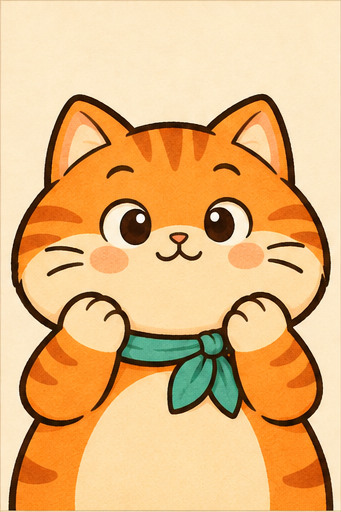
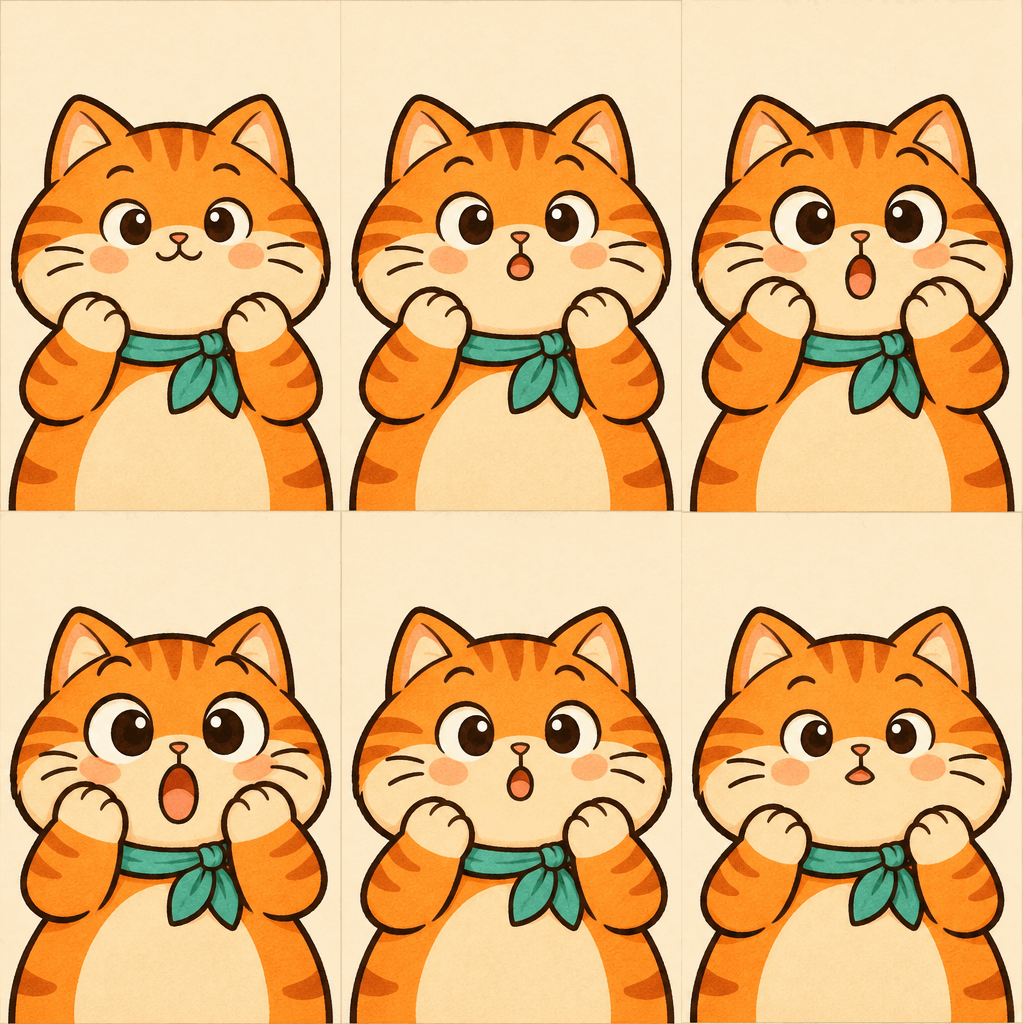
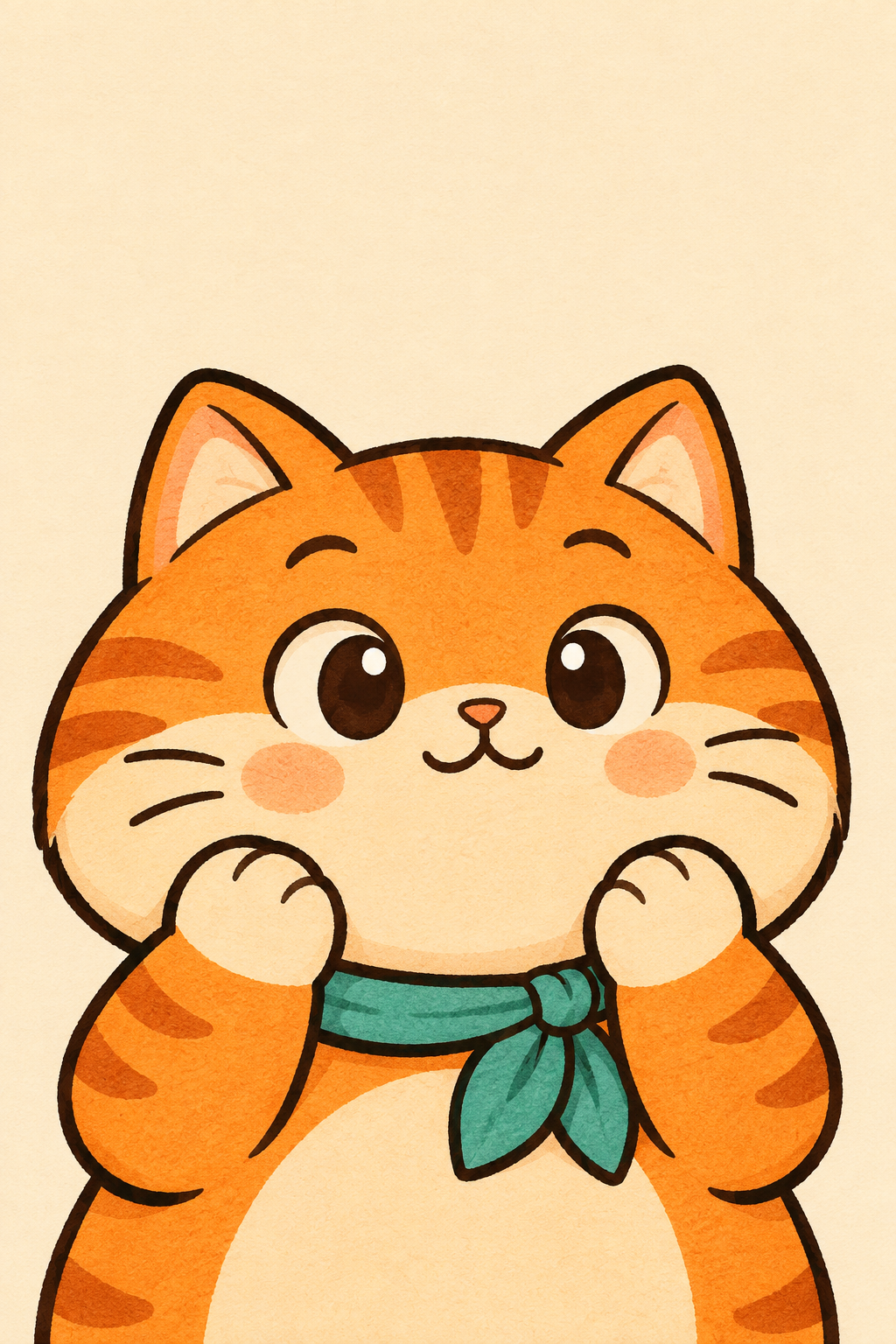
A little disbelief
Wide eyes and paws up. An illustrated reaction for the group chat, with the cream background kept in place.
Source & full prompt
GPT Image 2.6 Sunburst
341 × 512 · 2968 KB · PNG
2 s · 10 frames · loops
Create a 6-frame animation sprite sheet from this reference image. Output ONE image with an exact 3-column by 2-row grid of six equally sized frames, touching edge to edge, no gutters, borders, labels or text. Read frames left to right, top row then bottom row. Each cell shows the entire same scene with identical framing, camera position, subject scale, background and lighting, except for the requested motion. Animate this orange cat into a clear surprised reaction: gradually widen its eyes, raise its eyebrows and open its little mouth into a big round O, while its two paws rise toward its cheeks. The expression change should be obvious even at a small size. Preserve the cat, teal scarf, drawing style and opaque cream background. Keep the head position, body and camera fixed. Show six successive small steps from the initial pose to the peak of the motion; the GIF will play these frames forward and backward. Keep the subject recognizable and the motion restrained. No camera movement, new objects, watermark or collage layout.
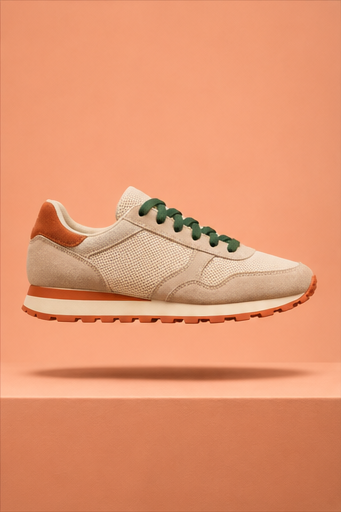
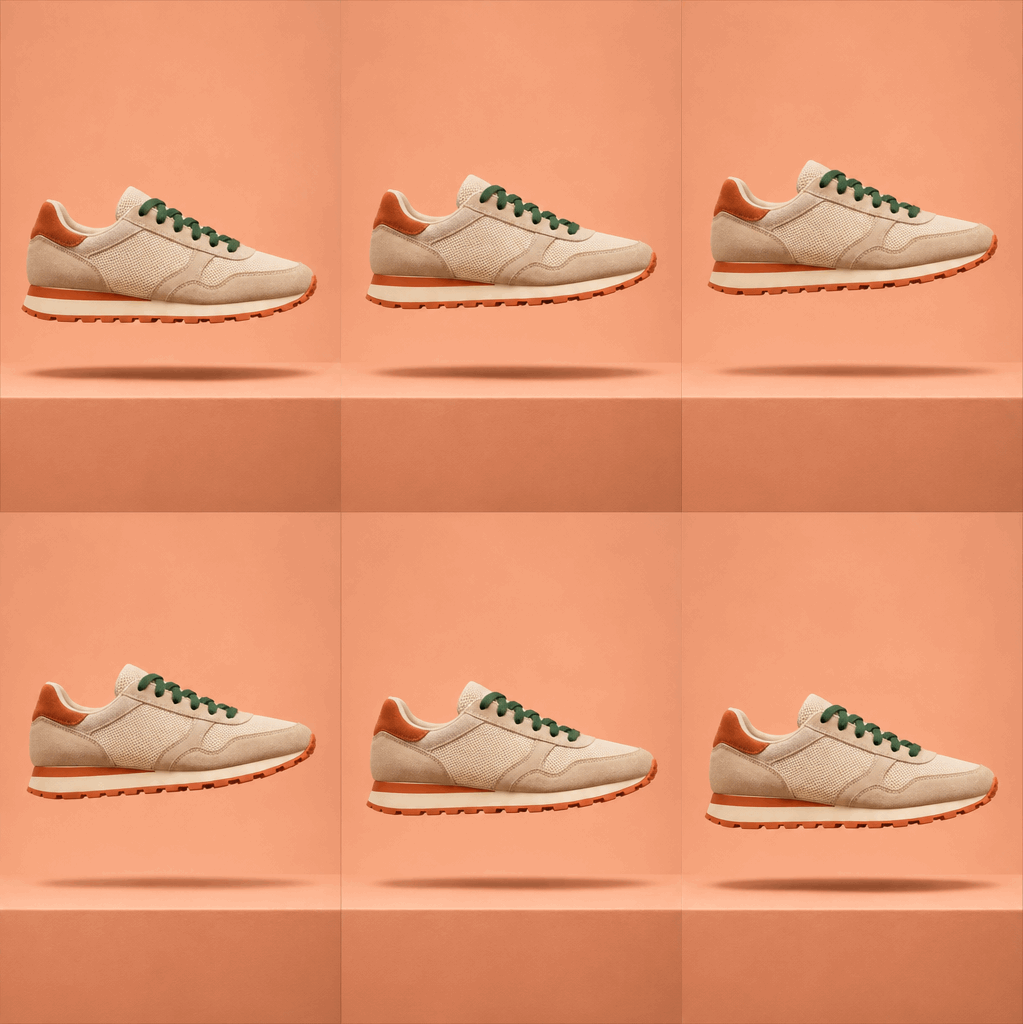
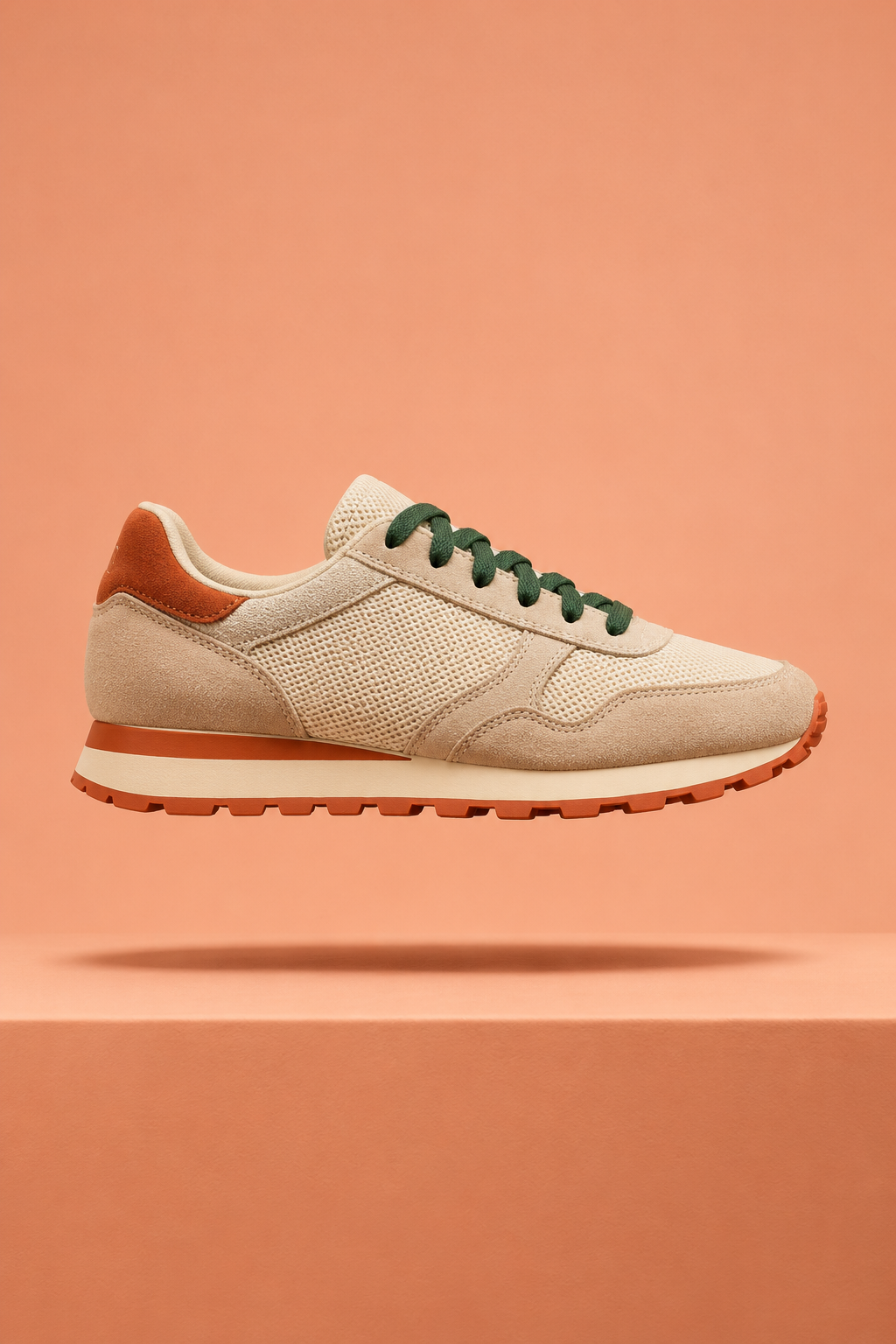
A product in motion
A sneaker lifts with its shadow for a product-page or email concept. Check real product details before publishing.
Source & full prompt
GPT Image 2.6 Sunburst
341 × 512 · 2030 KB · PNG
2 s · 10 frames · loops
Create a 6-frame animation sprite sheet from this reference image. Output ONE image with an exact 3-column by 2-row grid of six equally sized frames, touching edge to edge, no gutters, borders, labels or text. Read frames left to right, top row then bottom row. Each cell shows the entire same scene with identical framing, camera position, subject scale, background and lighting, except for the requested motion. Make the floating sneaker rise smoothly by about one tenth of the frame height and tilt its toe upward by a few degrees, like a clean product campaign loop. Its soft shadow should become a little smaller and lighter as it rises. Keep the sneaker design, materials, green laces, colors, peach backdrop, plinth and camera consistent. Keep the whole shoe inside every frame. Show six successive small steps from the initial pose to the peak of the motion; the GIF will play these frames forward and backward. Keep the subject recognizable and the motion restrained. No camera movement, new objects, watermark or collage layout.
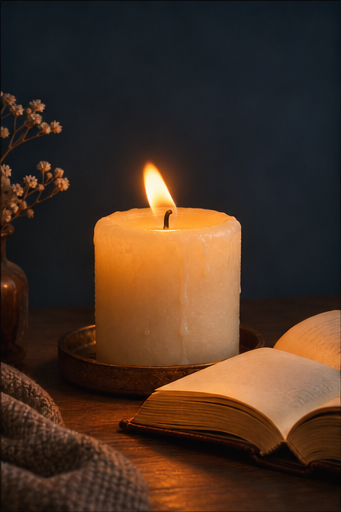
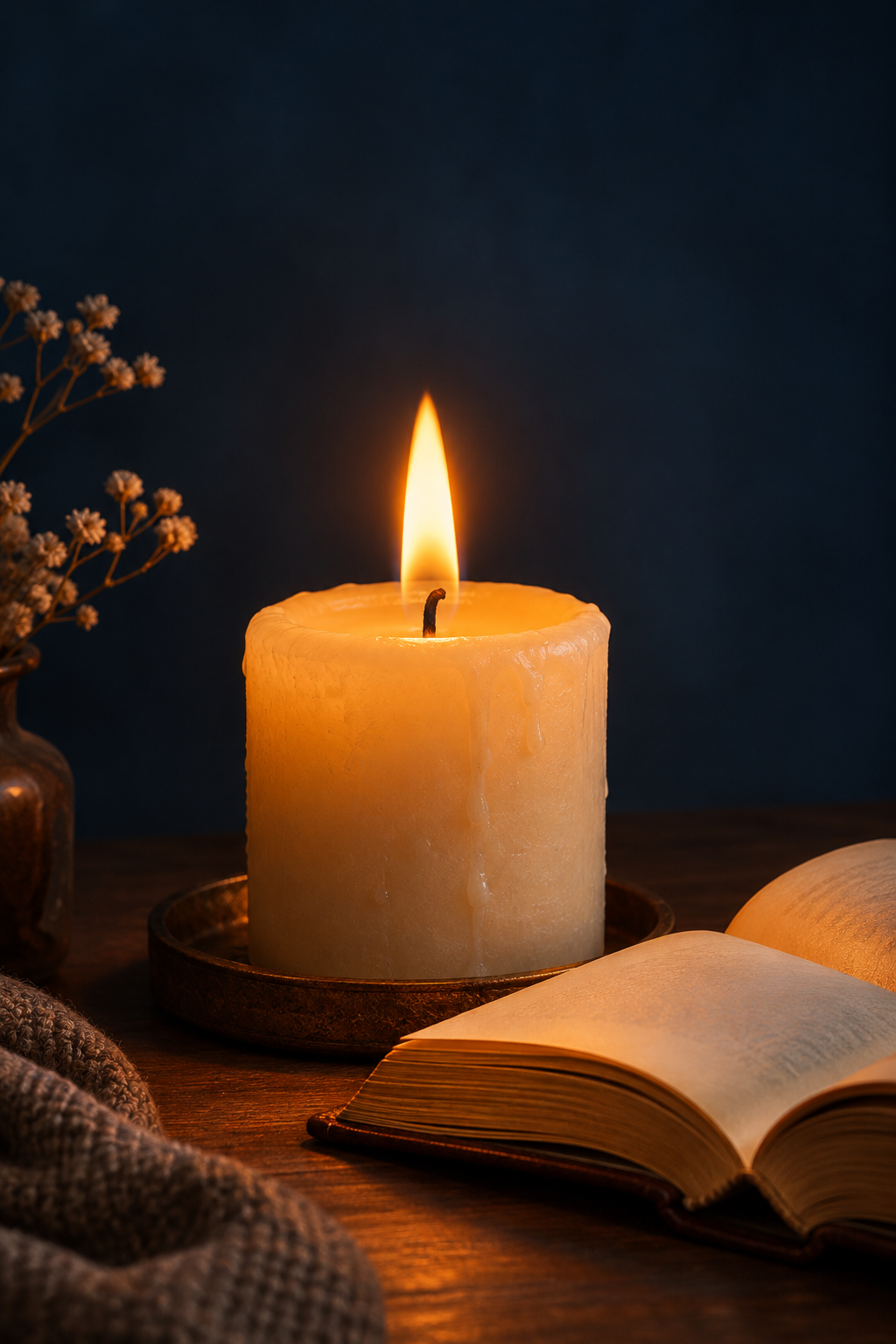
Candlelight, on repeat
A flickering flame for a reading journal, mood board or quiet corner of the web.
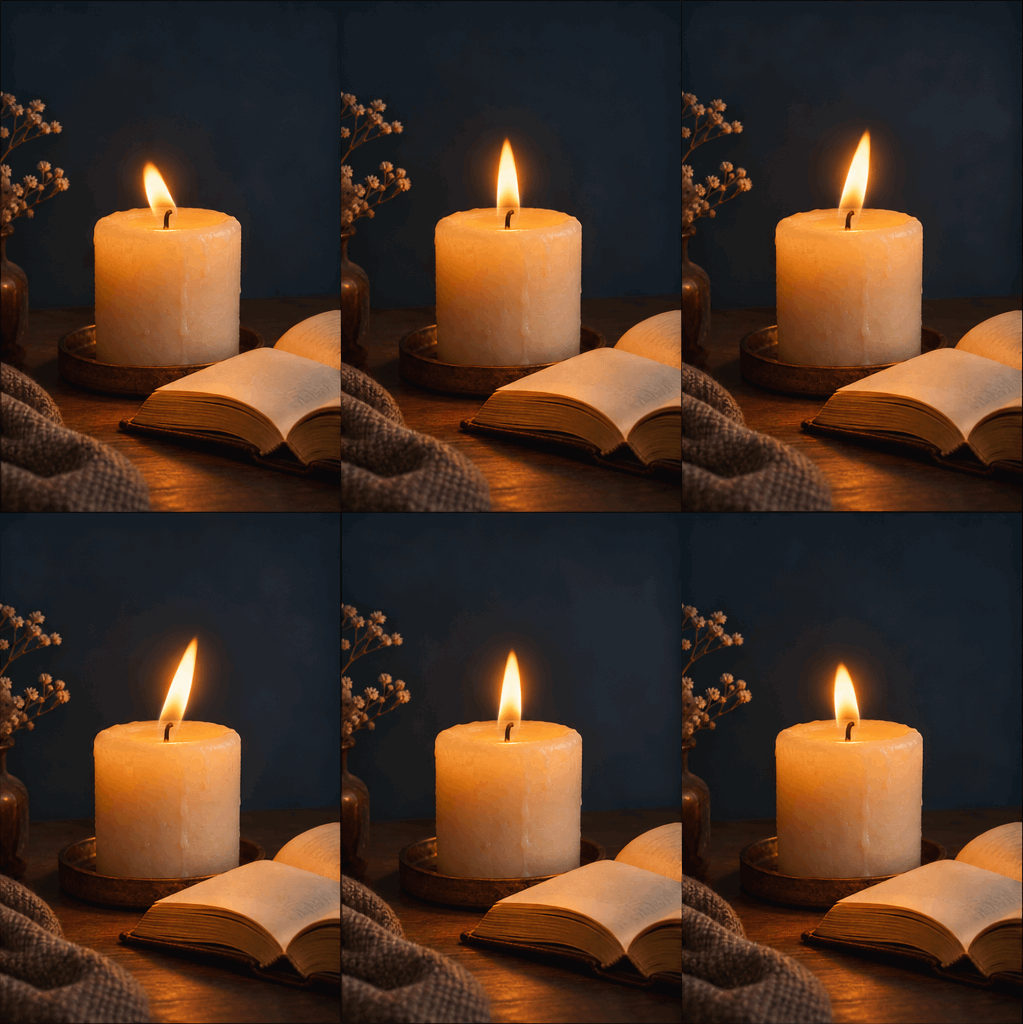
Source & full prompt
GPT Image 2.6 Sunburst
341 × 512 · 2316 KB · PNG
2 s · 10 frames · loops
Create a 6-frame animation sprite sheet from this reference image. Output ONE image with an exact 3-column by 2-row grid of six equally sized frames, touching edge to edge, no gutters, borders, labels or text. Read frames left to right, top row then bottom row. Each cell shows the entire same scene with identical framing, camera position, subject scale, background and lighting, except for the requested motion. Animate only the candle flame: let it lean gently from left to right and change from a shorter rounded flame to a slightly taller narrow flame, with a small matching flicker in the warm light on the wax and nearby book pages. Keep the candle body, wick base, book, vase, flowers, table, background and camera completely still. No smoke, melting wax or new objects. Show six successive small steps from the initial pose to the peak of the motion; the GIF will play these frames forward and backward. Keep the subject recognizable and the motion restrained. No camera movement, new objects, watermark or collage layout.
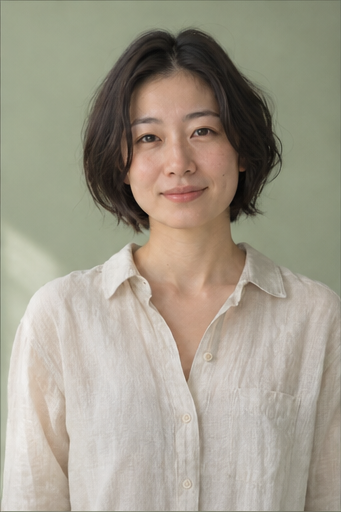
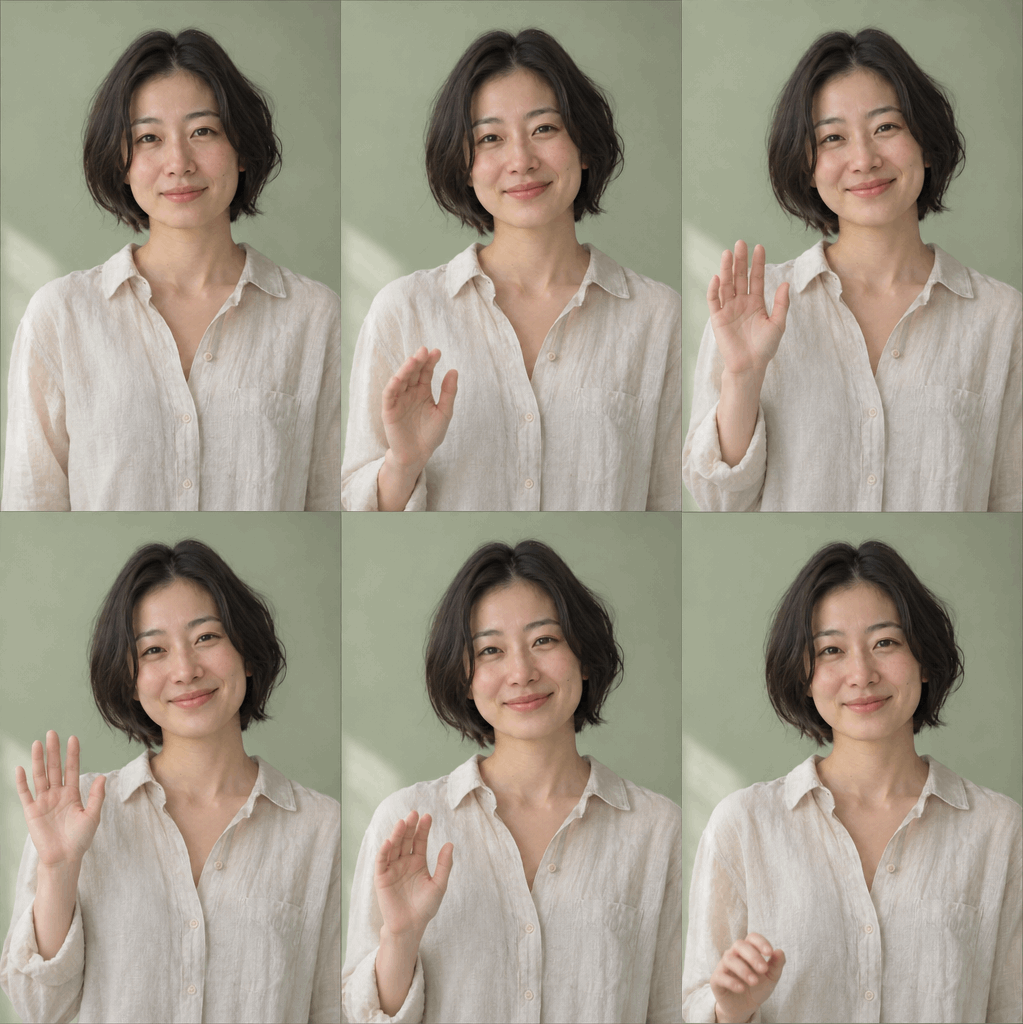
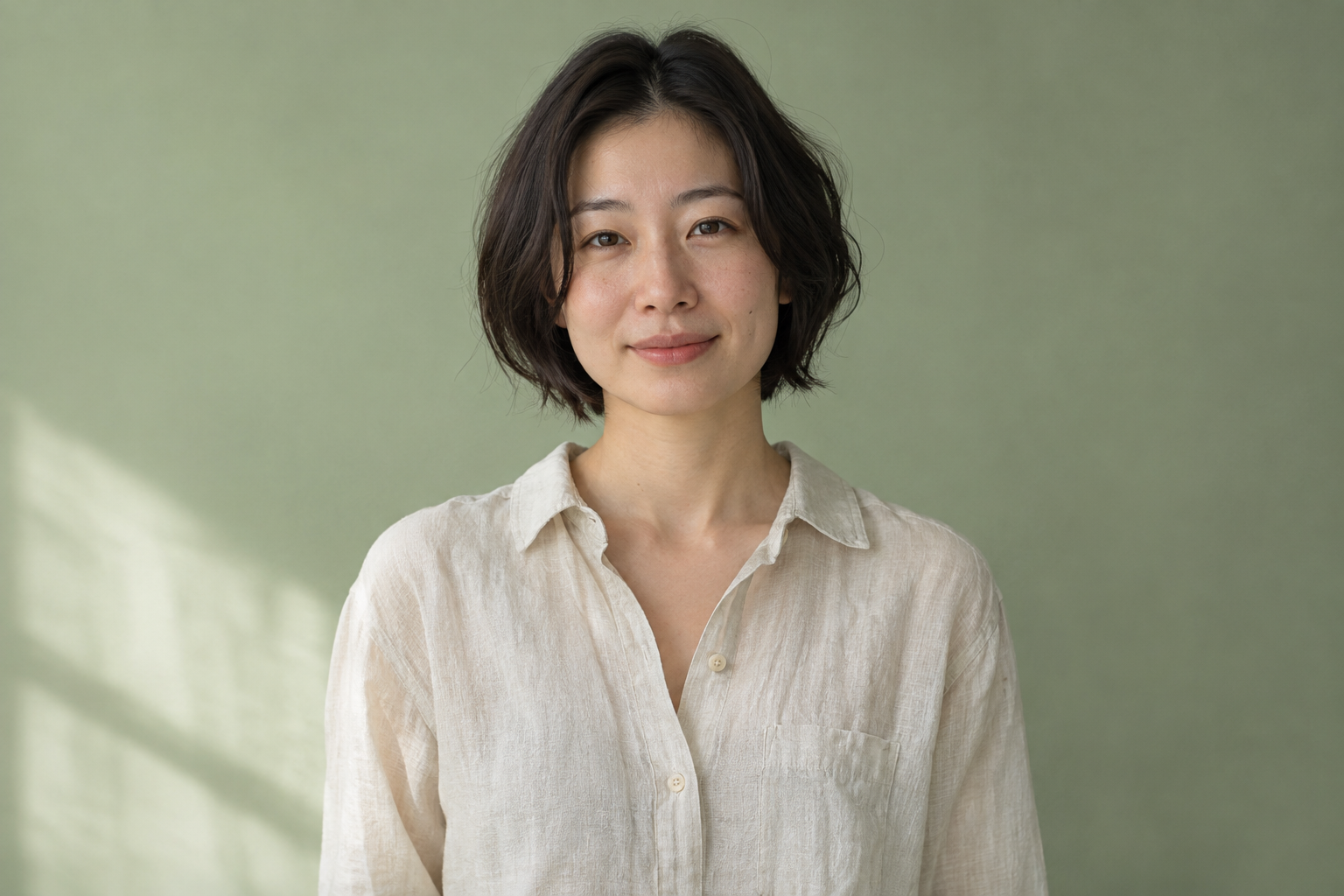
A personal hello
A smile and a raised hand turn a portrait into a short greeting. Facial details may shift during the redraw.
Source & full prompt
GPT Image 2.6 Sunburst
341 × 512 · 2735 KB · PNG
2 s · 10 frames · loops
Create a 6-frame animation sprite sheet from this reference image. Output ONE image with an exact 3-column by 2-row grid of six equally sized frames, touching edge to edge, no gutters, borders, labels or text. Read frames left to right, top row then bottom row. Each cell shows the entire same scene with identical framing, camera position, subject scale, background and lighting, except for the requested motion. Make the woman give a warm personal greeting: gradually smile a little wider and raise one hand beside her shoulder with the palm facing the camera, ready to wave. Keep her face recognizable, short dark hair, clothing, posture, source photographic style, background and camera consistent. Keep the entire raised hand inside every frame. No text or new accessories. Show six successive small steps from the initial pose to the peak of the motion; the GIF will play these frames forward and backward. Keep the subject recognizable and the motion restrained. No camera movement, new objects, watermark or collage layout.
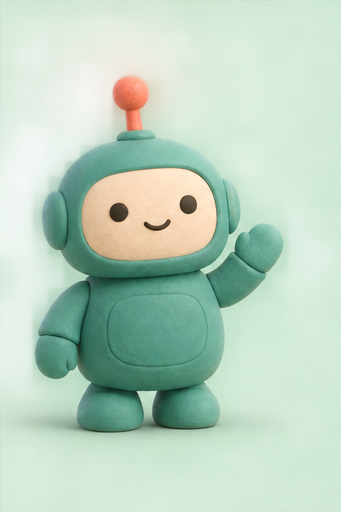
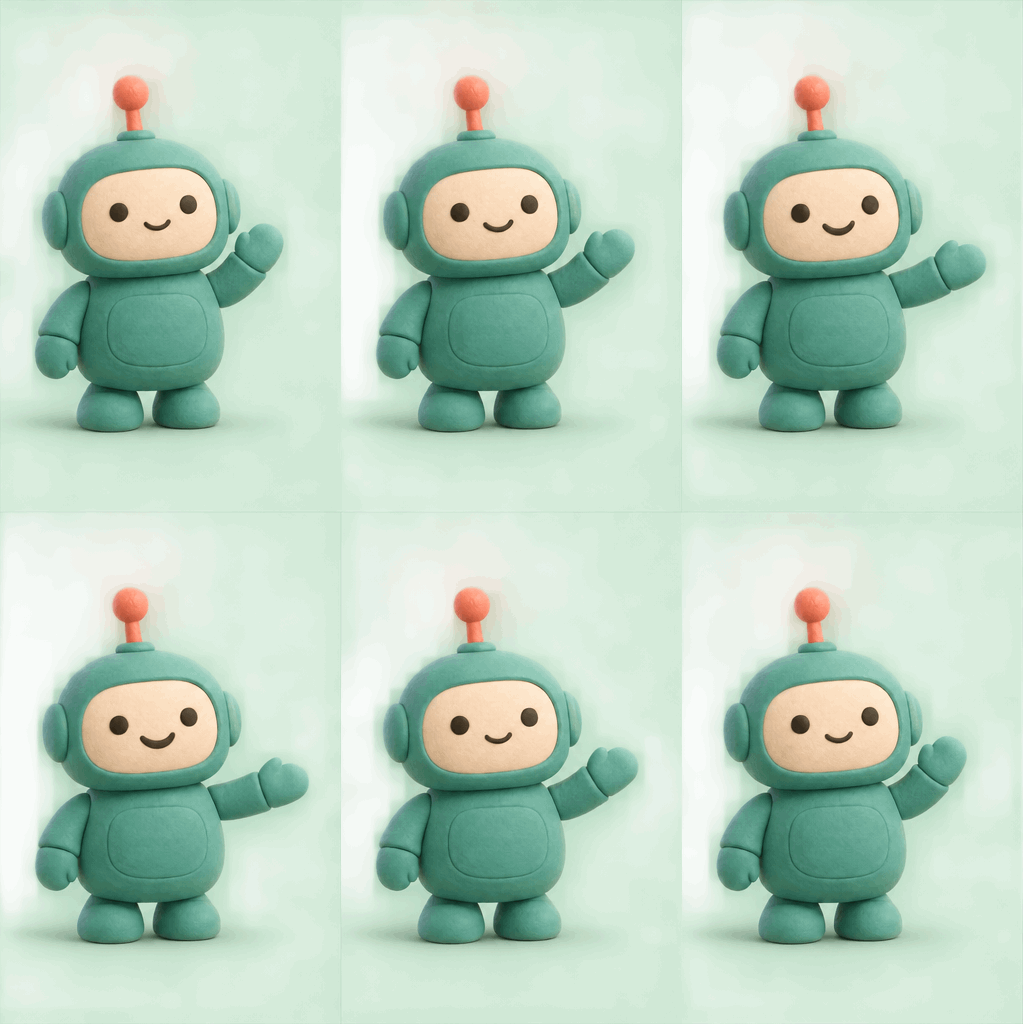
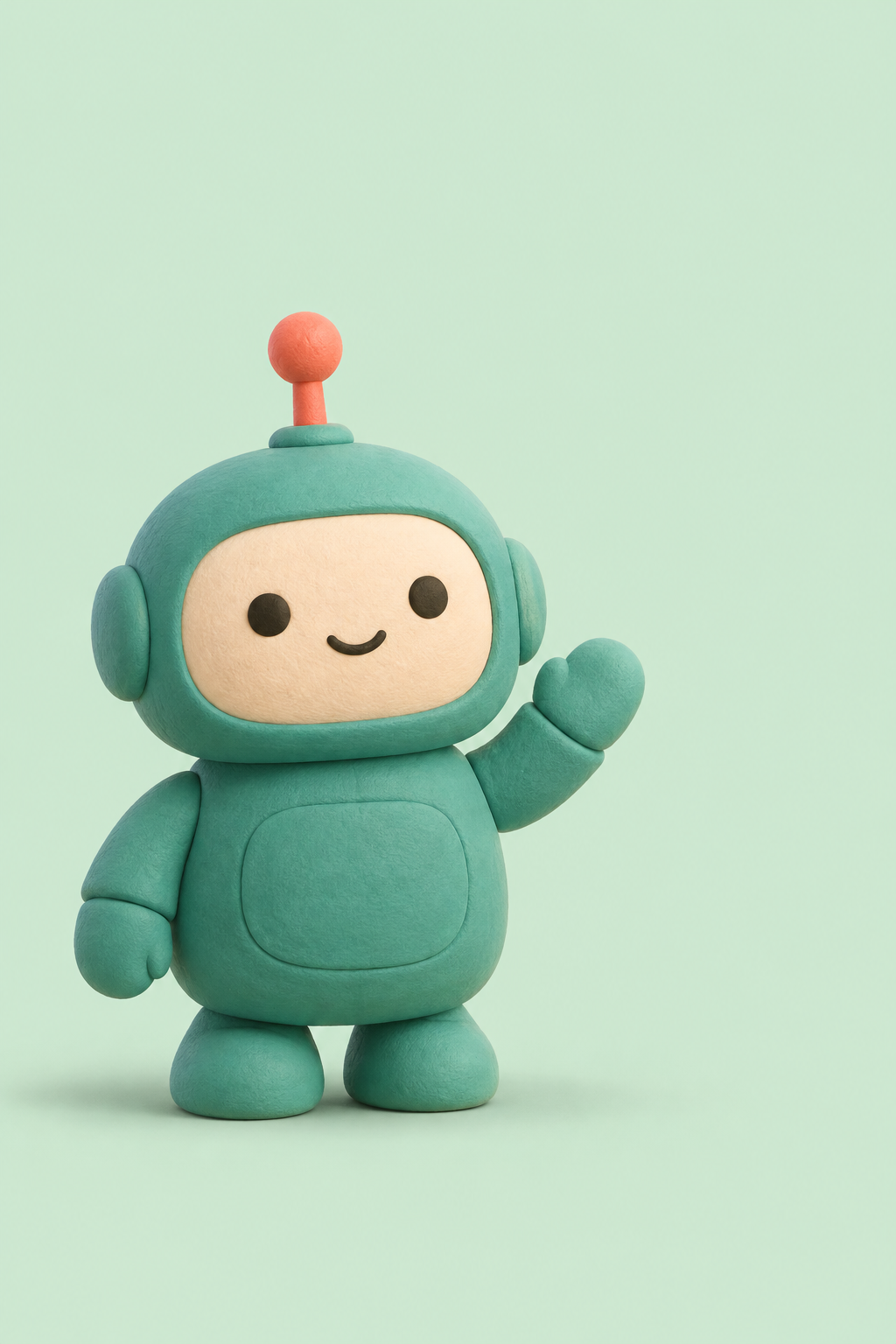
A mascot that waves
A friendly wave for a welcome message or community update. Try it with your own character illustration.
Source & full prompt
GPT Image 2.6 Sunburst
341 × 512 · 1952 KB · PNG
2 s · 10 frames · loops
Create a 6-frame animation sprite sheet from this reference image. Output ONE image with an exact 3-column by 2-row grid of six equally sized frames, touching edge to edge, no gutters, borders, labels or text. Read frames left to right, top row then bottom row. Each cell shows the entire same scene with identical framing, camera position, subject scale, background and lighting, except for the requested motion. Animate the teal robot mascot giving a friendly hello: its raised right hand gently pivots from upright to outward in six small steps, while its face changes into a slightly bigger smile. Keep the robot body, feet, antenna, materials, colors, shadow, mint background and camera stationary. Make the hand wave readable and keep the whole hand inside every frame. Show six successive small steps from the initial pose to the peak of the motion; the GIF will play these frames forward and backward. Keep the subject recognizable and the motion restrained. No camera movement, new objects, watermark or collage layout.
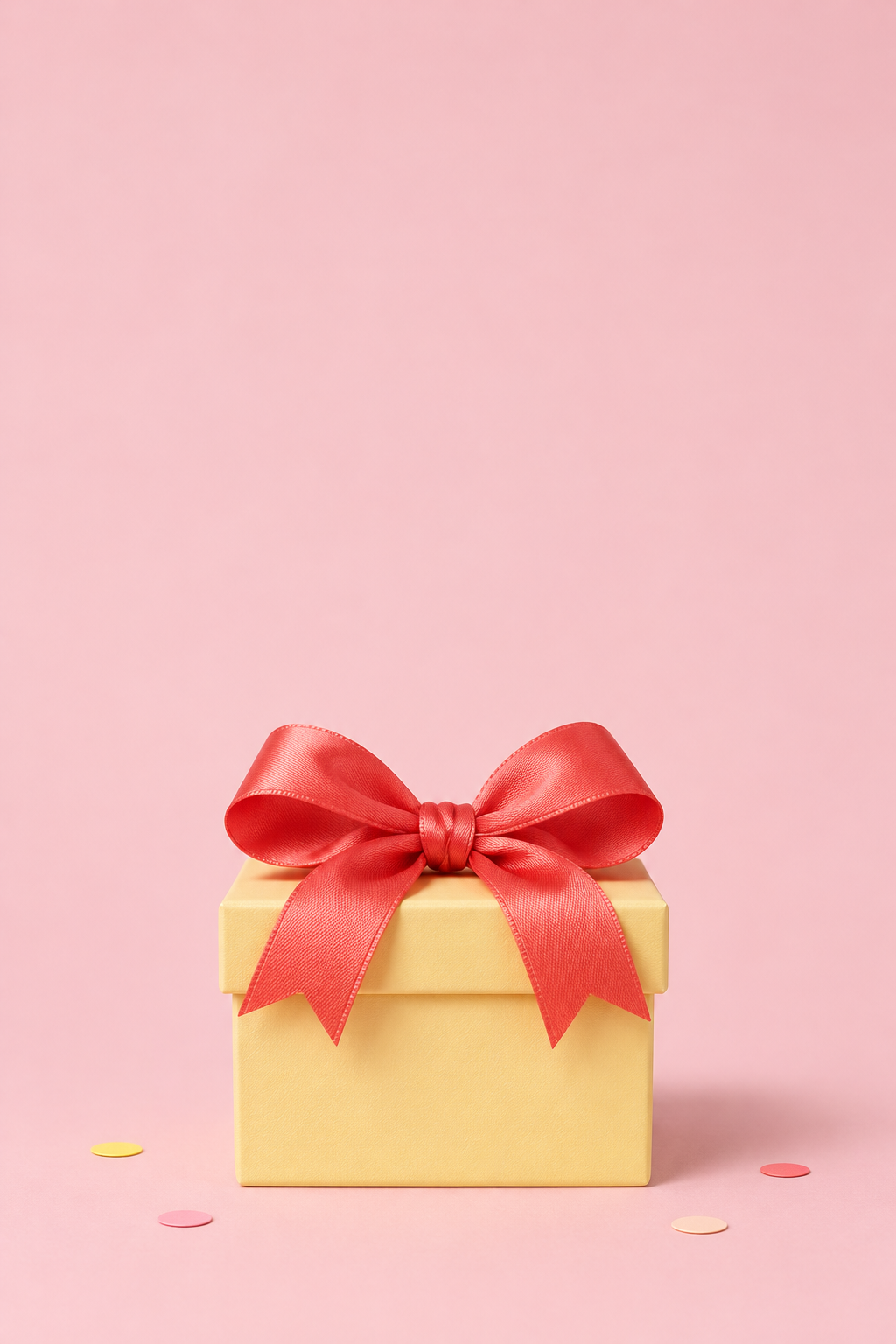
A little surprise
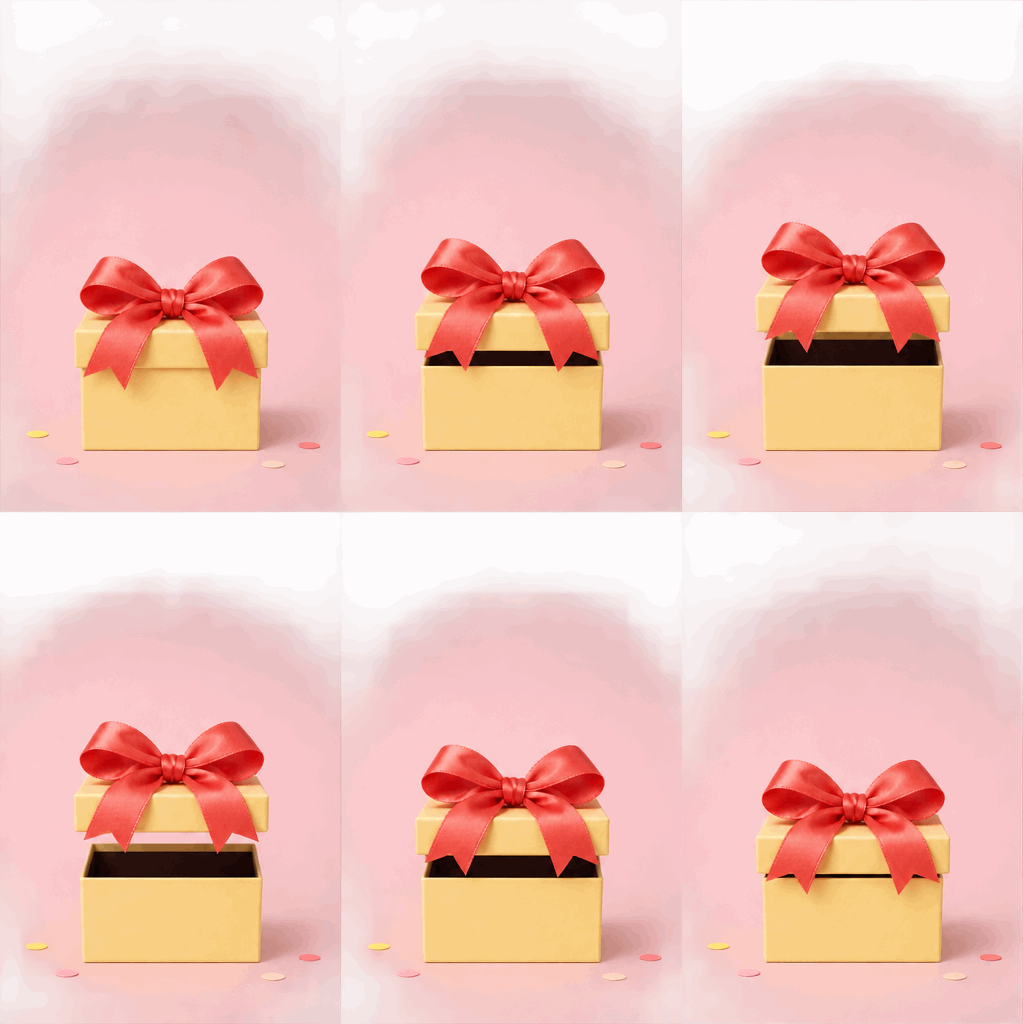
A gift opens and closes for a birthday wish, invitation or small celebration.
Source & full prompt
GPT Image 2.6 Sunburst
341 × 512 · 1679 KB · PNG
2 s · 10 frames · loops
Create a 6-frame animation sprite sheet from this reference image. Output ONE image with an exact 3-column by 2-row grid of six equally sized frames, touching edge to edge, no gutters, borders, labels or text. Read frames left to right, top row then bottom row. Each cell shows the entire same scene with identical framing, camera position, subject scale, background and lighting, except for the requested motion. Create a little surprise reveal: slowly lift the gift box lid and its attached coral bow straight upward by about one sixth of the frame height, revealing only the simple dark interior of the box. The bow and ribbon tails move with the lid as one piece. Keep the lower yellow box, scattered paper pieces, pink background, camera and lighting still. No new contents, particles or text. Keep the whole lid and bow inside every frame. Show six successive small steps from the initial pose to the peak of the motion; the GIF will play these frames forward and backward. Keep the subject recognizable and the motion restrained. No camera movement, new objects, watermark or collage layout.
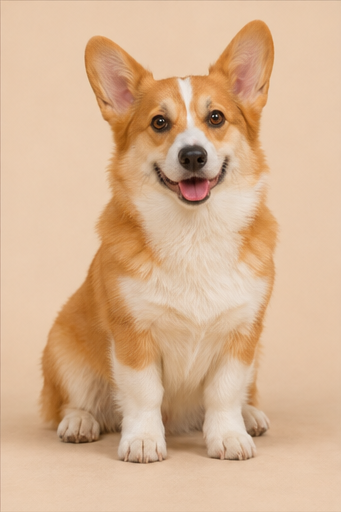
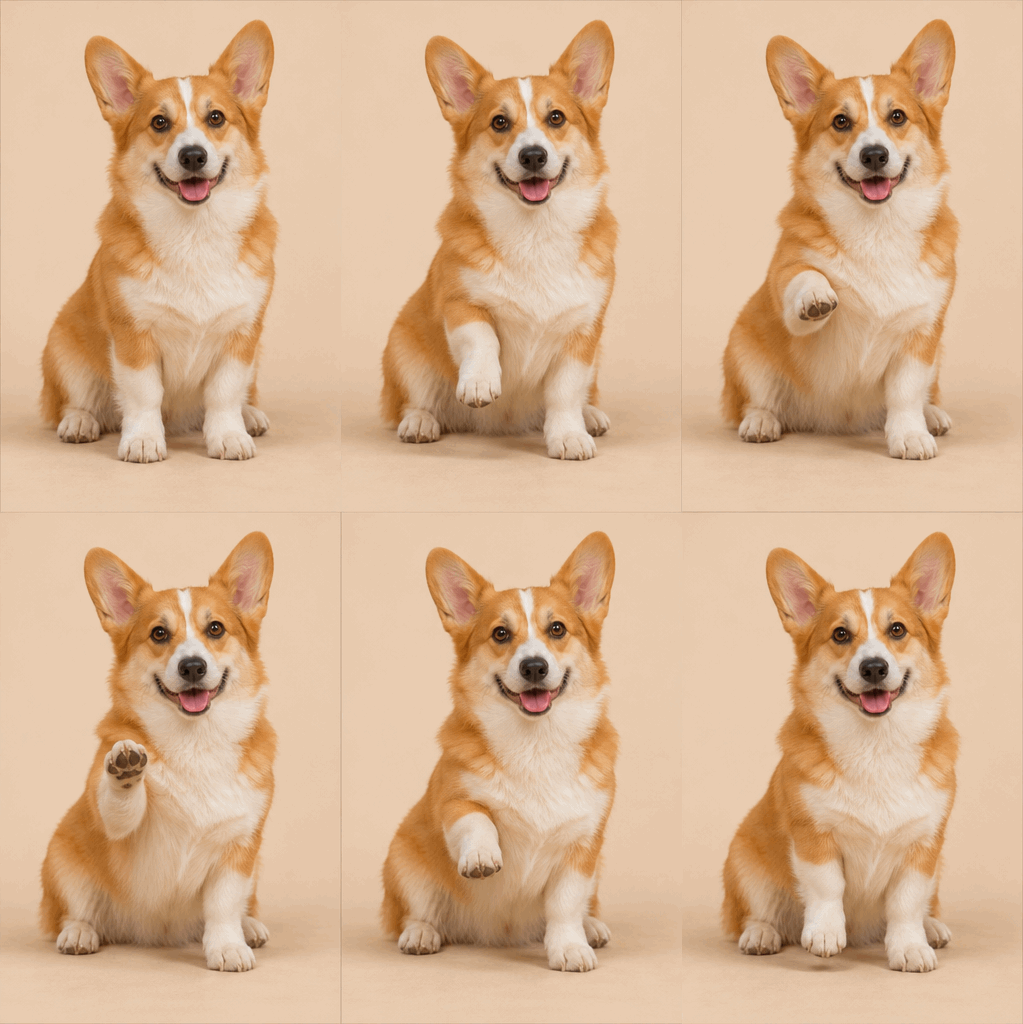
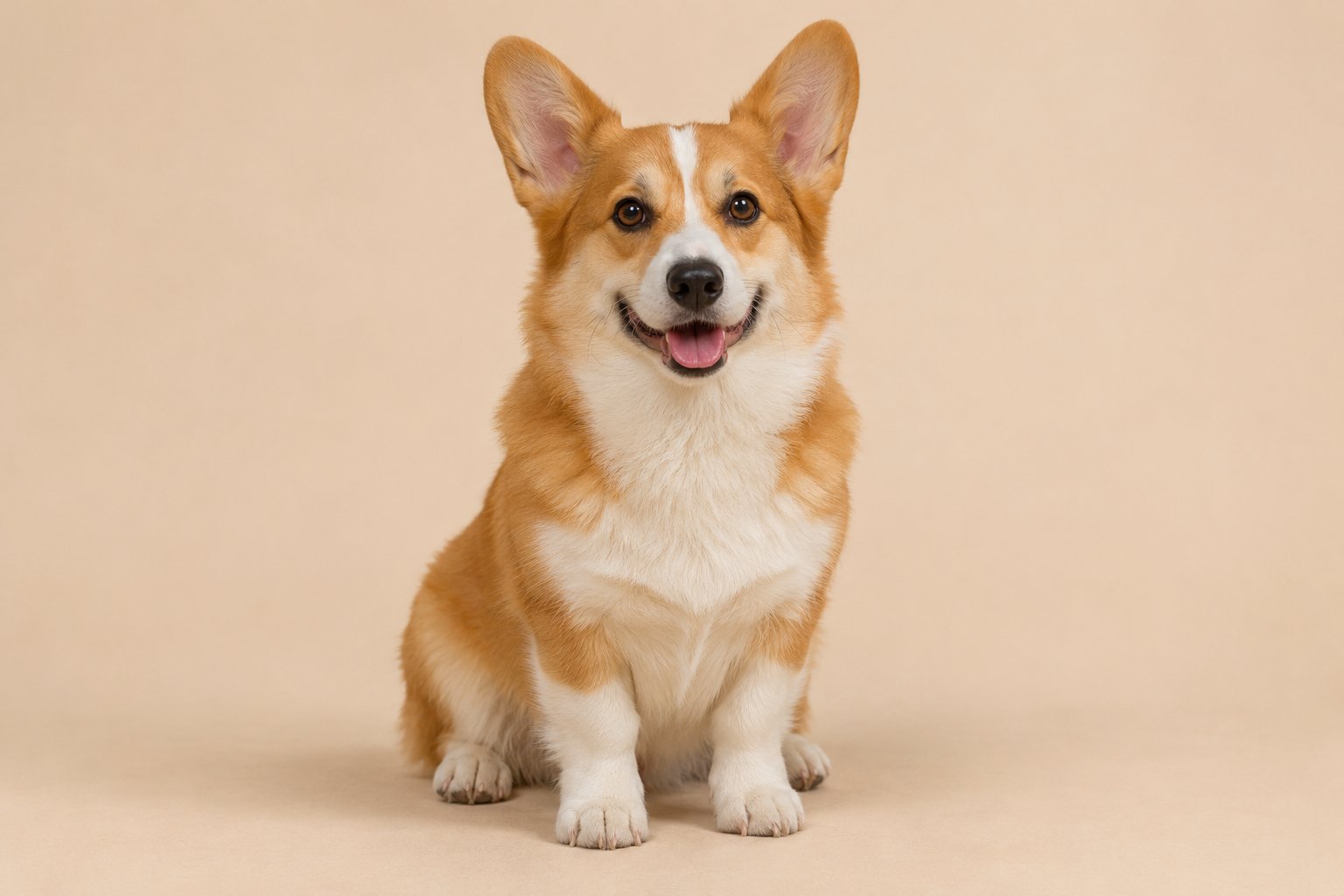
A high five, with paws
Turn a pet portrait into a friendly reply. Ask for one clear gesture and keep the rest of the pose still.
Source & full prompt
GPT Image 2.6 Sunburst
341 × 512 · 2490 KB · PNG
2 s · 10 frames · loops
Create a 6-frame animation sprite sheet from this reference image. Output ONE image with an exact 3-column by 2-row grid of six equally sized frames, touching edge to edge, no gutters, borders, labels or text. Read frames left to right, top row then bottom row. Each cell shows the entire same scene with identical framing, camera position, subject scale, background and lighting, except for the requested motion. Make the seated corgi gradually raise its front right paw in a friendly high-five gesture, bending the leg naturally while its head and other paws stay in place. Keep the orange and white markings, eyes, ears, sitting body, ground, beige background and camera consistent. The paw lift should be obvious at small GIF size. Keep all body parts inside every frame. Show six successive small steps from the initial pose to the peak of the motion; the GIF will play these frames forward and backward. Keep the subject recognizable and the motion restrained. No camera movement, new objects, watermark or collage layout.
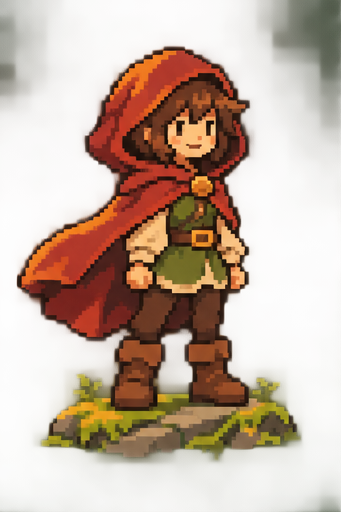
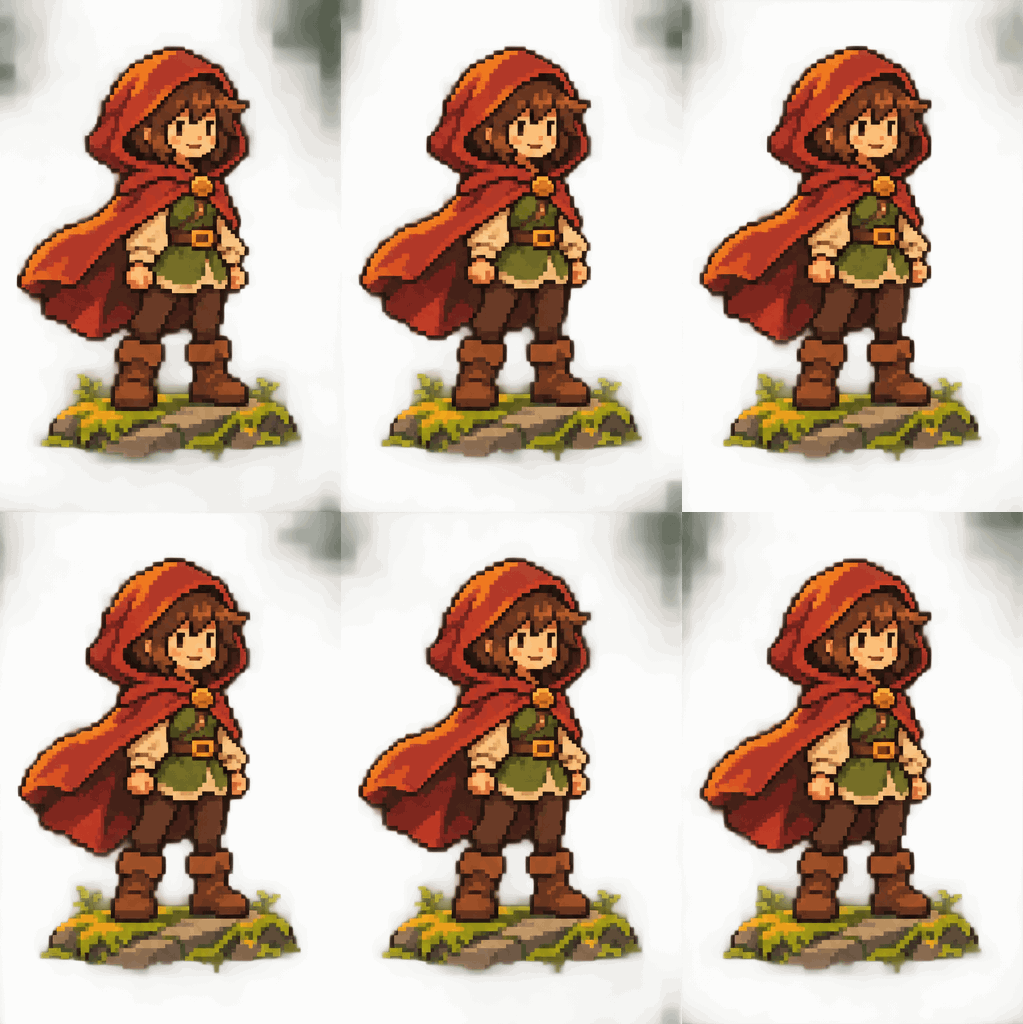
An idle animation
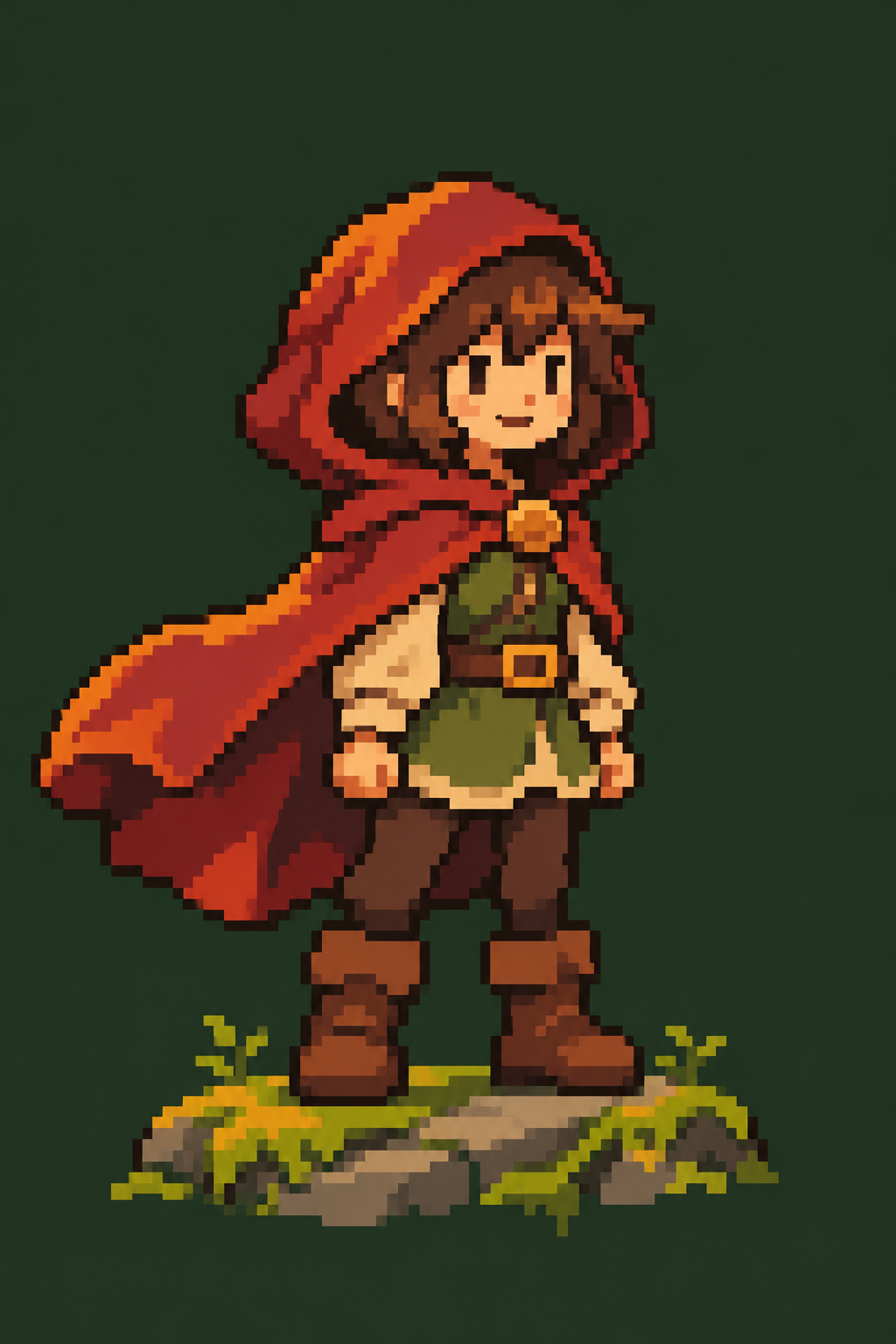
Breathing and a swaying cape for a character concept. Exact sprite sizes and transparency need a separate edit.
Source & full prompt
GPT Image 2.6 Sunburst
341 × 512 · 1987 KB · PNG
2 s · 10 frames · loops
Create a 6-frame animation sprite sheet from this reference image. Output ONE image with an exact 3-column by 2-row grid of six equally sized frames, touching edge to edge, no gutters, borders, labels or text. Read frames left to right, top row then bottom row. Each cell shows the entire same scene with identical framing, camera position, subject scale, background and lighting, except for the requested motion. Animate this pixel-art adventurer in a small idle pose: gently lift the chest a little as if breathing and let only the lower right edge of the red cape sway outward by a few pixels. Keep the face, hood, boots, stone, moss and forest background fixed. Preserve the crisp square pixel clusters, limited palette, scale and outline throughout all six poses. No smooth gradients, camera movement or new objects. Show six successive small steps from the initial pose to the peak of the motion; the GIF will play these frames forward and backward. Keep the subject recognizable and the motion restrained. No camera movement, new objects, watermark or collage layout.
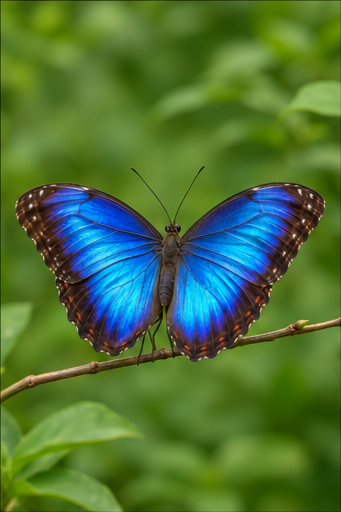
One slow wingbeat
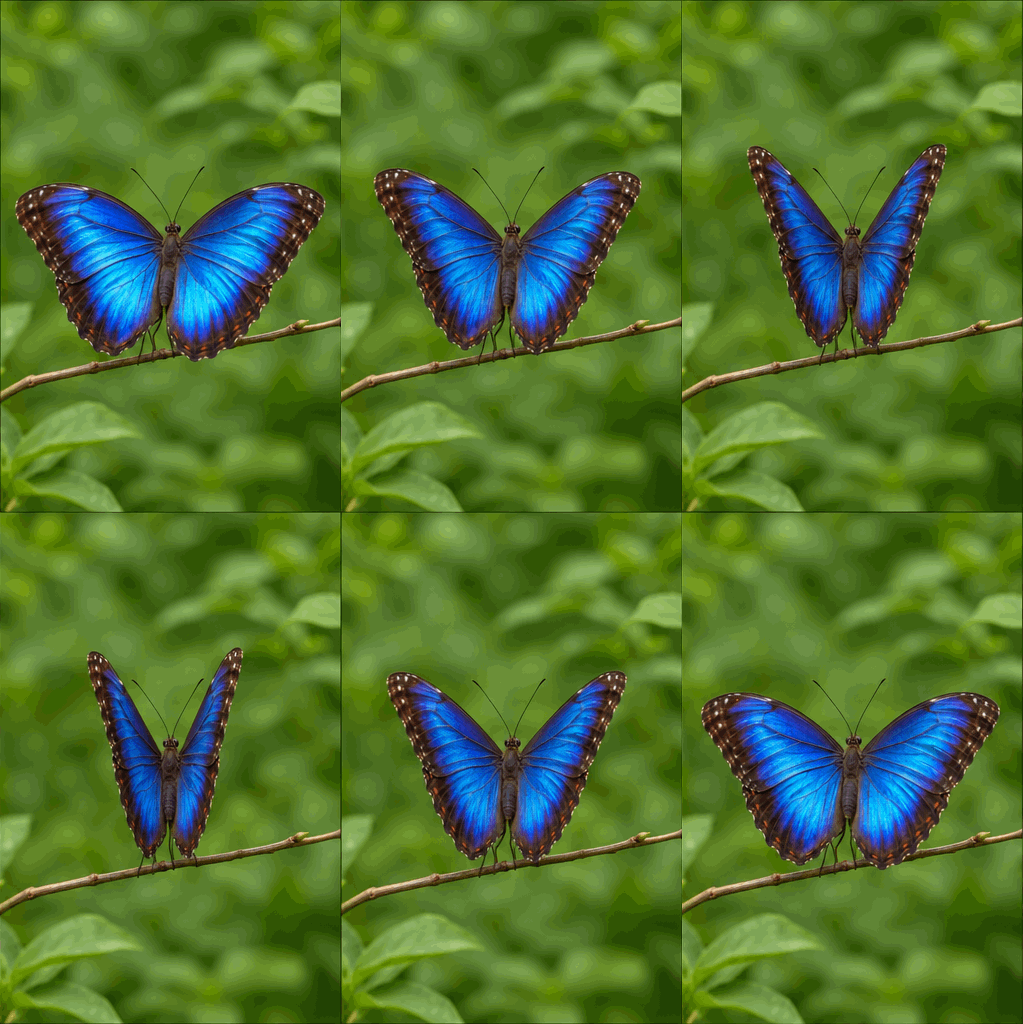
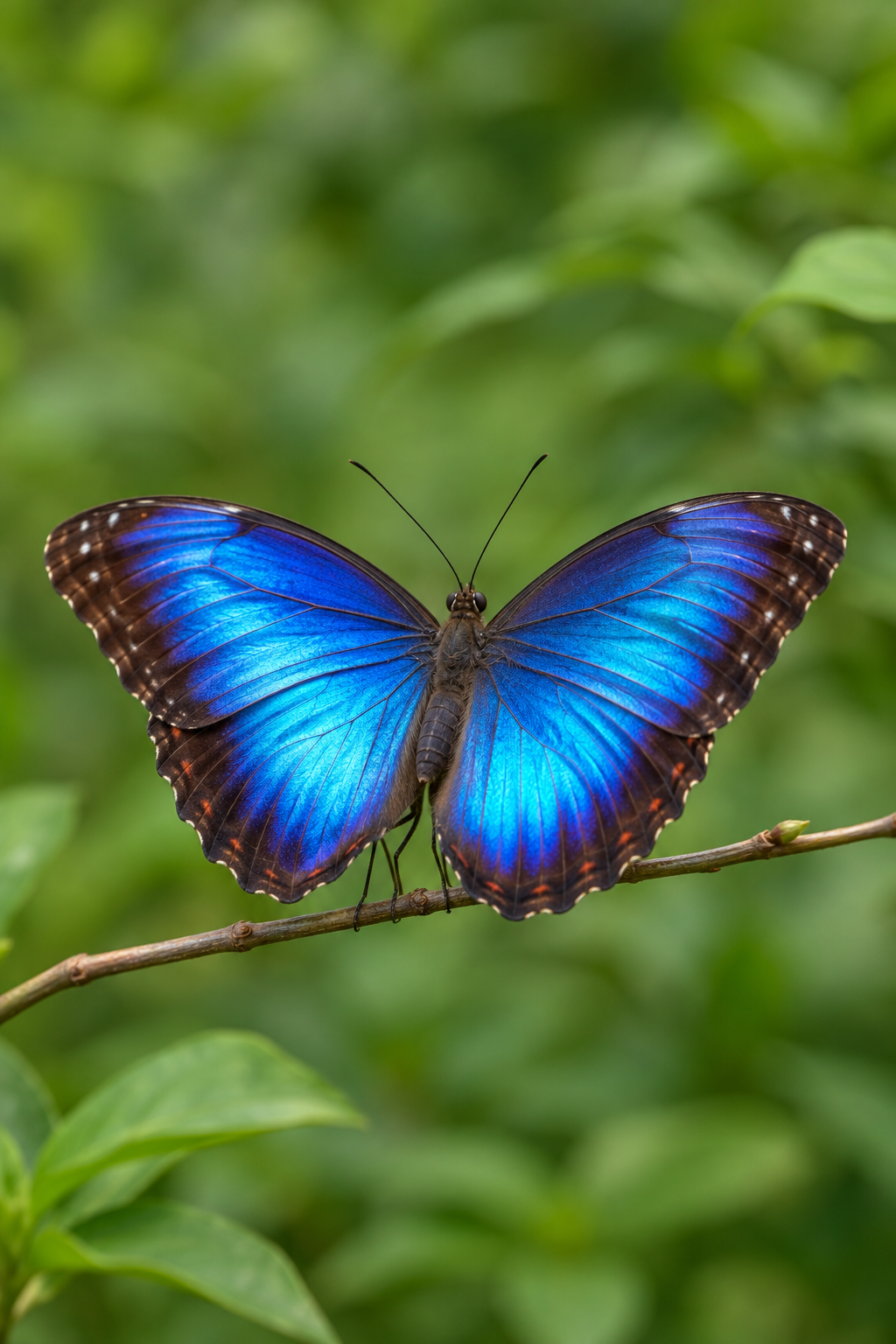
Blue wings fold and open over a still branch. A nature loop for a digital postcard or mood board.
Source & full prompt
GPT Image 2.6 Sunburst
341 × 512 · 2522 KB · PNG
2 s · 10 frames · loops
Create a 6-frame animation sprite sheet from this reference image. Output ONE image with an exact 3-column by 2-row grid of six equally sized frames, touching edge to edge, no gutters, borders, labels or text. Read frames left to right, top row then bottom row. Each cell shows the entire same scene with identical framing, camera position, subject scale, background and lighting, except for the requested motion. Make the perched blue butterfly slowly fold both wings upward from the open pose toward a partly closed pose, in six clear successive stages. The GIF will reverse this motion to reopen them. Keep the butterfly body, feet, antennae, twig, green background, lighting and camera completely still. Preserve the blue wing patterns and keep both wings fully inside every frame. No flying away or extra insects. Show six successive small steps from the initial pose to the peak of the motion; the GIF will play these frames forward and backward. Keep the subject recognizable and the motion restrained. No camera movement, new objects, watermark or collage layout.
From still to loop, in three steps.
Choose a still image
Upload one JPG, PNG or WebP up to 10 MB. A clear subject, simple background and one small movement make a good starting point.
Describe the movement
Use a preset or describe one small movement and what should stay fixed. The AI GIF maker creates six poses for your loop; you only need to describe the action.
Preview and download
Preview the loop and download a full-color animated PNG. Choose GIF when you need it. Exporting either format again does not spend generation credits.
Give the motion a clear direction.
Move one thing
Name a single gesture: raise a paw, fold the wings or lift a lid. A small action is easier to follow across six poses.
Name what stays still
Keep the camera, background and subject scale fixed. Mention the face, colors or product details you want to retain.
Choose a reversible action
The poses play forward and back. Waves, breathing and swaying suit this rhythm; pouring or walking away can look odd in reverse.
Let the raised hand wave gently. Keep the robot, camera, lighting and background still.
What can I make for free?
Try one Standard generation without an account. Signed-in accounts receive 3 free Standard generations per day by default, shared across the image tools; the editor shows your current allowance. After that, Standard costs 1 credit per frame sheet. Advanced uses credits even when free uses remain, starting at 4 for 1K. The examples above use Advanced.
See plans and creditsKnow your download.
- Duration
- 2-second loop
- Playback
- 10 frames · 5 fps
- Maximum size
- 384 × 512 px
- Format
- Full-color PNG · GIF optional
Powered by GPT Image 2.6. Choose Advanced for this model; the free Standard option uses FLUX 3 Klein. AI generates the frames; your browser exports animated PNG or GIF.
Can ChatGPT generate GIFs?
Yes—ChatGPT can create a looping GIF from a prompt or still image, with access depending on the feature’s rollout to your account.
Read the GPT Image 2.6 GIF tutorialImage to GIF, explained.
How do I convert an image to GIF?
Upload a JPG, PNG or WebP up to 10 MB, or choose an example. Describe one small movement and what should stay still, then generate the frames. Preview the loop and download animated PNG by default, or choose GIF.
Can I convert an image to GIF for free?
Guests get one free Standard trial. Signed-in accounts have a daily Standard allowance, three by default, shared with the other image tools. The editor shows your allowance and credit price before generation. Advanced uses credits. PNG and GIF exports and example downloads are free.
How do I convert an image to a high-quality GIF?
Start with a sharp source image, a simple background and one subtle movement. Inspect faces, edges and the loop transition. Animated PNG preserves the full-color frames without palette reduction. GIF is limited to 256 colors. Both formats fit within 384 × 512 pixels at 5 fps; 2K or 4K frame sheets do not increase these export limits.
Can I animate any photo?
You can use a portrait, pet, landscape, product or room photo as a reference. Small movements work best. The model generates six poses rather than continuous video, and may change details or misalign frames. Check the preview before downloading. A new generation uses your allowance or credits; exporting the same result again is free.
Which formats can I download, and how big are the files?
Full-color animated PNG is the default, with GIF available as an option. Both loop for 2 seconds at 5 fps: six generated poses played forward and backward in 10 playback frames, within 384 × 512 pixels. PNG preserves frame colors losslessly and can be larger; GIF uses up to 256 colors. The download shows the actual file size. Audio and transparent backgrounds are not supported.
How long does image to GIF take?
There is no fixed completion time. The AI model and its queue determine frame-generation time, which may take several minutes. After the frames arrive, browser assembly usually takes a few seconds. If export fails, retry export without paying for another generation.
How do I make the GIF loop cleanly?
Use one small, reversible motion and keep the camera, framing and background still. The six poses play forward and back, so a wave, a wingbeat or a flicker usually fits better than pouring, speaking or moving out of frame. Check the preview for jumps and redraws. These examples show the real six-pose result, not interpolated video.
Can I make a transparent GIF sticker?
Both PNG and GIF exports keep an opaque background. A plain background can give the animation a sticker-like look, but it remains in the downloaded file. Transparent stickers, custom frame timing and exact sprite dimensions require another editing tool.
Are these real AI GIF examples?
Yes. All nine frame sheets were generated on November 11, 2026 with GPT Image 2.6 Sunburst at 1K through this site's Kie adapter and prompt workflow. The AI-made source images include seven created for this gallery and two reused from this site's demos. The grids were cropped and exported as animated PNG and GIF with this site's encoders, without manual frame retouching. Open Source & full prompt for each record. New runs can differ.